




수많은 싸움과 셀 수 없는 패배 끝에
성공할 수 있다는 점에서 장애물은 필수적이다.
싸움과 패배는 당신의 실력과 힘을 강화시키고,
용기와 인내력을 키우며, 능력과 자신감을 높일 것이다.
한마디로, 모든 장애는 당신을 발전시키는 동지이다.
-오그 만디노(Og Mandino)
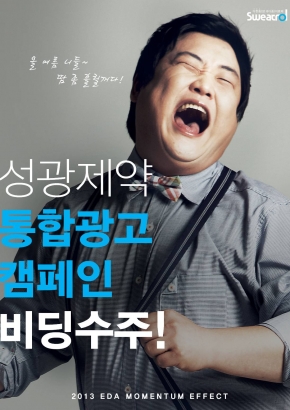
사람들은 화창한 날씨를 고대하지만
매일 맑은 날만 계속되면 땅은 사막으로 변해갑니다.
지속적 평안보다는 거친 풍파가 사람과 조직을 강하게 합니다.
2012년 10월 25일
by gdkim
0 comments
수많은 싸움과 셀 수 없는 패배 끝에
성공할 수 있다는 점에서 장애물은 필수적이다.
싸움과 패배는 당신의 실력과 힘을 강화시키고,
용기와 인내력을 키우며, 능력과 자신감을 높일 것이다.
한마디로, 모든 장애는 당신을 발전시키는 동지이다.
-오그 만디노(Og Mandino)
사람들은 화창한 날씨를 고대하지만
매일 맑은 날만 계속되면 땅은 사막으로 변해갑니다.
지속적 평안보다는 거친 풍파가 사람과 조직을 강하게 합니다.
2012년 10월 24일
by gdkim
1 Comment
2012년 10월 22일
by 김성용
0 comments
http://developer.android.com/distribute/googleplay/quality/tablet.html
누군가 해석을 해주면 참 좋을텐데…
Before you publish an app on Google Play, it’s important to make sure that the app meets the basic expectations of tablet users through compelling features and an intuitive, well-designed UI.
Tablets are a growing part of the Android installed base that offers new opportunities for user engagement and monetization. If your app is targeting tablet users, this document helps you focus on key aspects of quality, feature set, and UI that can have a significant impact on the app’s success. Each focus area is given as checklist item, with each one comprising several smaller tasks or best practices.
Although the checklist tasks below are numbered for convenience, you can handle them in any order and address them to the extent that you feel is right for your app. In the interest of delivering the best possible product to your customers, follow the checklist recommendations to the greatest extent possible.
As you move through the checklist, you’ll find links to support resources that can help you address the topics raised in each task.
The first step in delivering a great tablet app experience is making sure that it meets the core app quality criteria for all of the devices and form factors that the app is targeting. For complete information, see the Core App Quality Checklist.
To assess the quality of your app on tablets — both for core app quality and tablet app quality — you need to set up a suitable hardware or emulator environment for testing. For more information, see Setting Up a Test Environment.
Related resources:
|
Android makes it easy to develop an app that runs well on a wide range of device screen sizes and form factors. This broad compatibility works in your favor, since it helps you design a single app that you can distribute widely to all of your targeted devices. However, to give your users the best possible experience on each screen configuration — in particular on tablets — you need to optimize your layouts and other UI components for each targeted screen configuration. On tablets, optimizing your UI lets you take full advantage of the additional screen available, such as to offer new features, present new content, or enhance the experience in other ways to deepen user engagement.
If you developed your app for handsets and now want to distribute it to tablets, you can start by making minor adjustments to your layouts, fonts, and spacing. In some cases — such as for 7-inch tablets or for a game with large canvas — these adjustments may be all you need to make your app look great. In other cases, such as for larger tablets, you can redesign parts of your UI to replace “stretched UI” with an efficient multipane UI, easier navigation, and additional content.
Here are some suggestions:
 Get rid of “stretched” UI: On tablets, single-pane layouts lead to awkward whitespace and excessive line lengths. Use padding to reduce the width of UI elements and consider using multi-pane layouts.
large andxlarge screens. You can also provide layouts that are loaded based on the screen’s shortest dimension or the minimum available width and height.16dp padding around content near screen edges.In particular, make sure that your layouts do not appear “stretched” across the screen:
Related resources:
|
 Multi-pane layouts result in a better visual balance on tablet screens, while offering more utility and legibility.
Tablet screens provide significantly more screen real estate to your app, especially when in landscape orientation. In particular, 10-inch tablets offer a greatly expanded area, but even 7-inch tablets give you more space for displaying content and engaging users.
As you consider the UI of your app when running on tablets, make sure that it is taking full advantage of extra screen area available on tablets. Here are some suggestions:

 Compound views combine several single views from a handset UI (above)into a richer, more efficient UI for tablets (below).
Activity subclass, consider implementing individual content panels asFragment subclasses. This lets you maximize code reuse across different form factors and across screens that share content.large/xlarge) or minimum screen widths (such as sw600dp/sw720).Related resources:
|
So that your app looks its best, make sure to use icons and other bitmap assets that are created specifically for the densities used by tablet screens. Specifically, you should create sets of alternative bitmap drawables for each density in the range commonly supported by tablets.
Table 1. Raw asset sizes for icon types.
| Density | Launcher | Action Bar | Small/Contextual | Notification |
|---|---|---|---|---|
mdpi |
48x48px | 32x32px | 16x16px | 24x24px |
hdpi |
72x72px | 48x48px | 24x24px | 36x36px |
tvdpi |
(use hdpi) | (use hdpi) | (use hdpi) | (use hdpi) |
xhdpi |
96x96px | 64x64px | 32x32px | 48x48px |
Other points to consider:
Related resources:
|
To make sure your app is easy to use on tablets, take some time to adjust the font sizes and touch targets in your tablet UI, for all of the screen configurations you are targeting. You can adjust font sizes through styleable attributes or dimension resources, and you can adjust touch targets through layouts and bitmap drawables, as discussed above.
Here are some considerations:
TouchDelegate or just centering the icon within the transparent button.Related resources:
|
If your app includes a home screen widget, here are a few points to consider to ensure a great user experience on tablet screens:
targetSdkVersion to 14 or higher, if possible.Related resources:
|
Let your tablet users experience the best features of your app. Here are some recommendations:
Handsets and tablets typically offer slightly different hardware support for sensors, camera, telephony, and other features. For example, many tablets are available in a “Wi-Fi” configuration that does not include telephony support.
To ensure that you can deliver a single APK broadly across the your full customer base, make sure that your app does not have built-in requirements for hardware features that aren’t commonly available on tablets.
<uses-feature> elements for hardware features or capabilities that might not be available on tablets, except when they are declared with the android:required=”false” attribute. For example, your app should not require features such as:
android.hardware.telephonyandroid.hardware.camera (refers to back camera), orandroid.hardware.camera.front<permission> elements that imply feature requirements that might not be appropriate for tablets, except when accompanied by a corresponding <uses-feature> element declared with the android:required=”false” attribute.In all cases, the app must function normally when the hardware features it uses are not available and should offer “graceful degradation” and alternative functionality where appropriate. For example, if GPS is not supported on the device, your app could let the user set their location manually. The app should do run-time checking for the hardware capability that it needs and handle as needed.
Related resources:
|
To ensure that you can distribute your app to a broad range of tablets, declare all the screen sizes that your app supports in its manifest:
<supports-screens> element with appropriate attributes, as needed.<compatible-screens> element in the manifest, the element must include attributes that specify all of the size and density combinations for tablet screens that the app supports. Note that, if possible, you should avoid using this element in your app.Related resources:
|
Related resources:
|
To assess the quality of your app on tablets — both for core app quality and tablet app quality — you need to set up a suitable hardware or emulator environment for testing.
The ideal test environment would include a small number of actual hardware devices that represent key form factors and hardware/software combinations currently available to consumers. It’s not necessary to test on every device that’s on the market — rather, you should focus on a small number of representative devices, even using one or two devices per form factor. The table below provides an overview of devices you could use for testing.
If you are not able to obtain actual hardware devices for testing, you should set up emulated devices (AVDs) to represent the most common form factors and hardware/software combinations. See the table below for suggestions on the emulator configurations to use.
To go beyond basic testing, you can add more devices, more form factors, or new hardware/software combinations to your test environment. For example, you could include mid-size tablets, tablets with more or fewer hardware/software features, and so on. You can also increase the number or complexity of tests and quality criteria.
Table 1. A typical tablet test environment might include one or two devices from each row in the table below, with one of the listed chipsets, platform versions, and hardware feature configurations.
| Type | Size | Density | Version | AVD Skin |
|---|---|---|---|---|
| 7-inch tablet | large or-sw600 |
hdpi,tvdpi |
Android 4.0+ | WXGA800-7in |
| 10-inch tablet | xlarge or-sw800 |
mdpi,hdpi |
Android 3.2+ | WXGA800 |
2012년 10월 22일
by admin
1 Comment
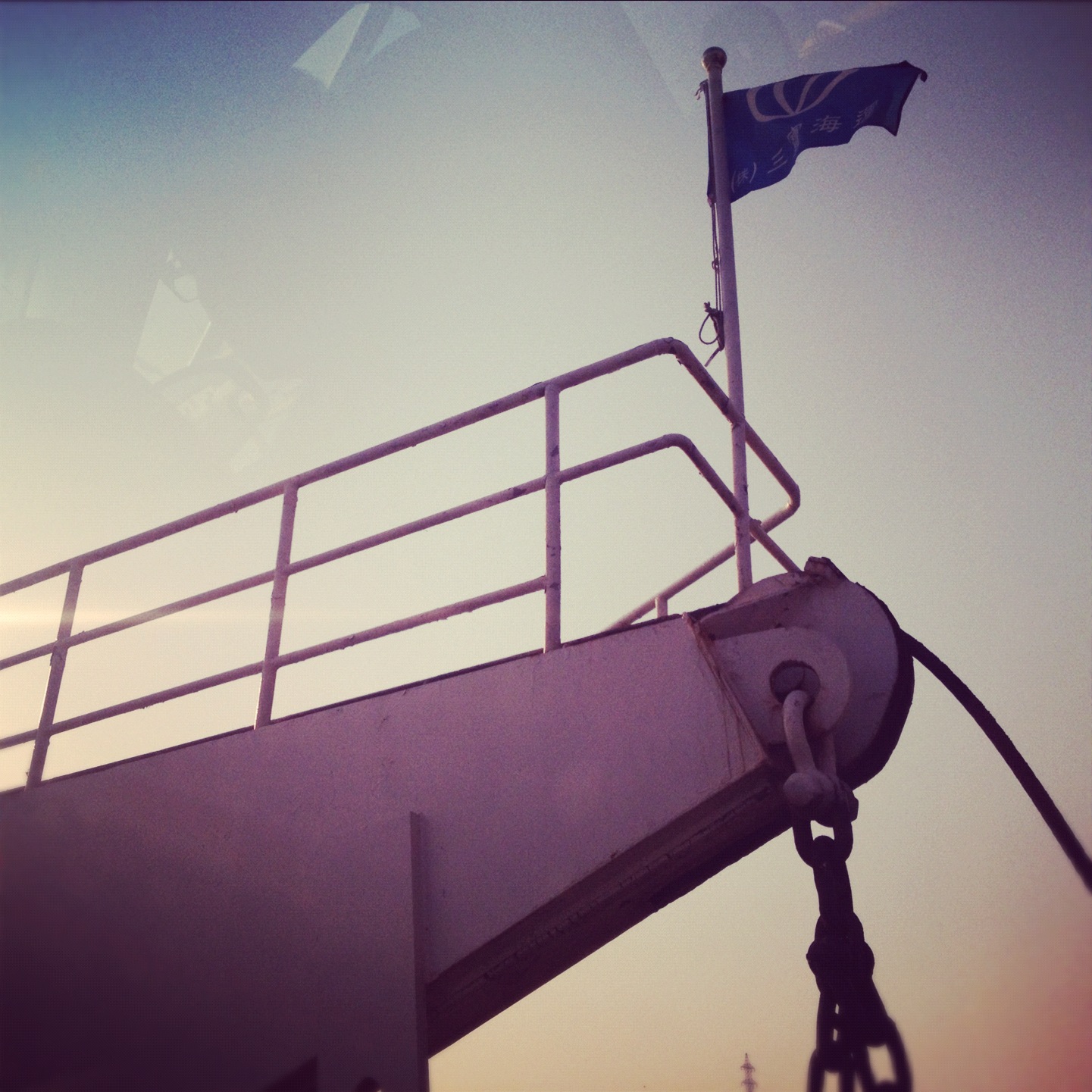
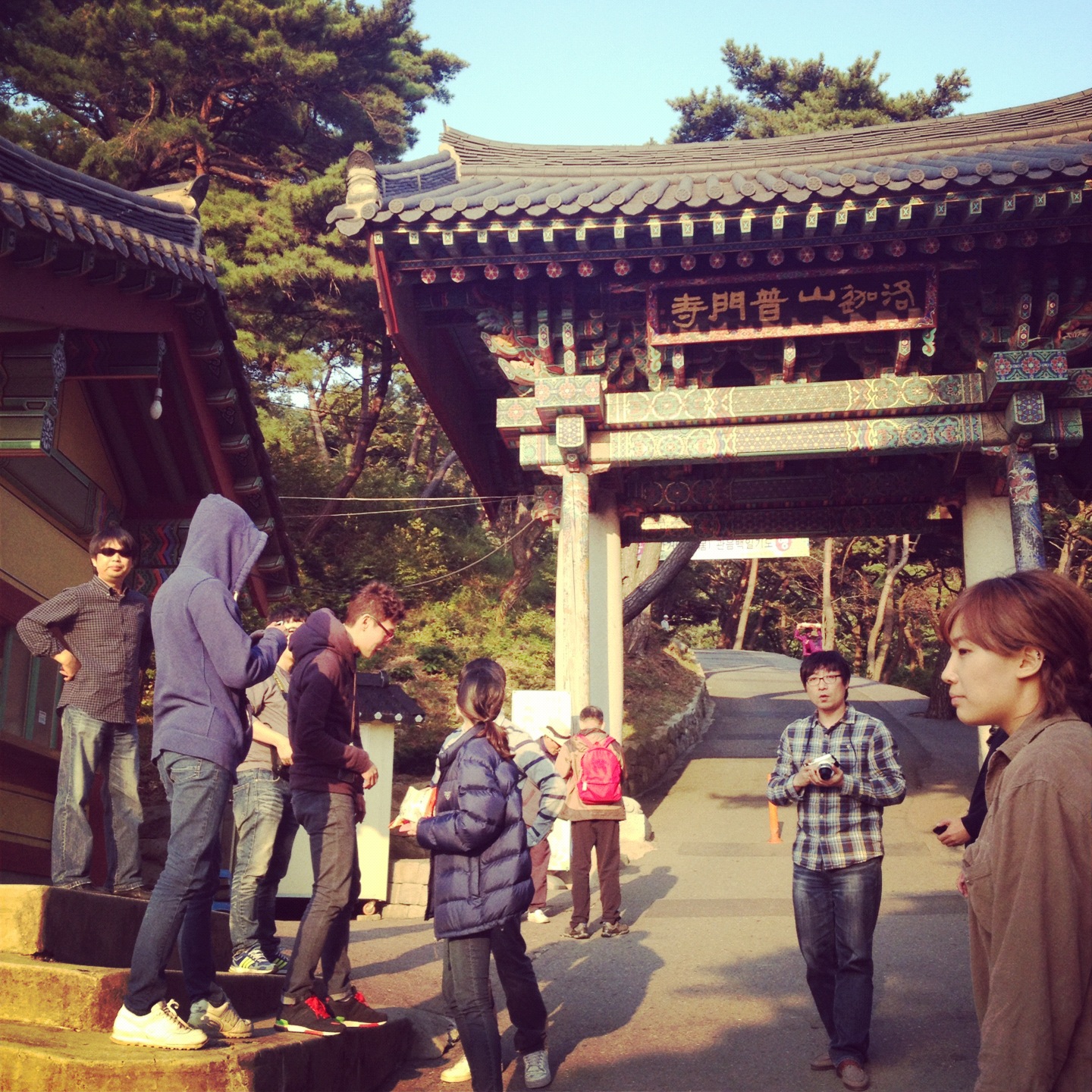
크로스미디어팀은 강화도로 워크샵을 갔었는데요. 석모도에 들어가기 위해 탄 배.

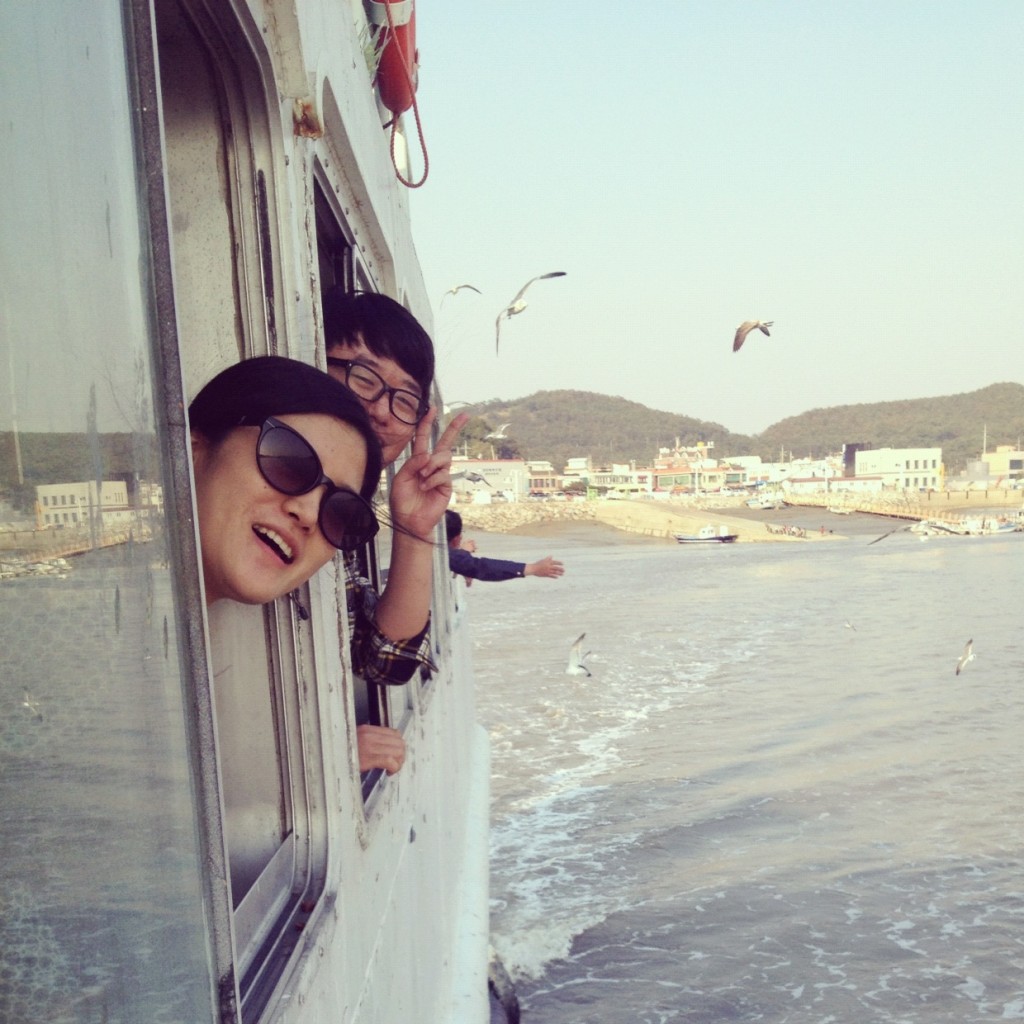
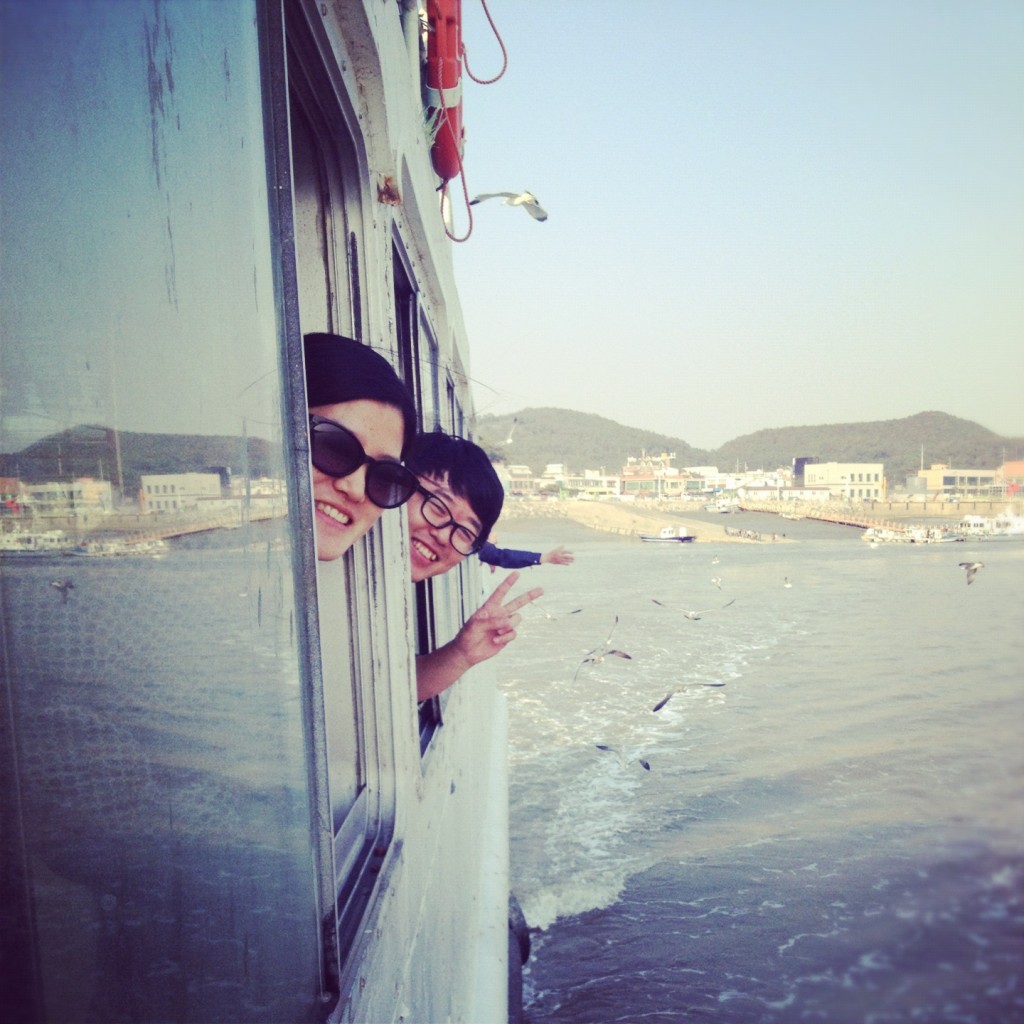
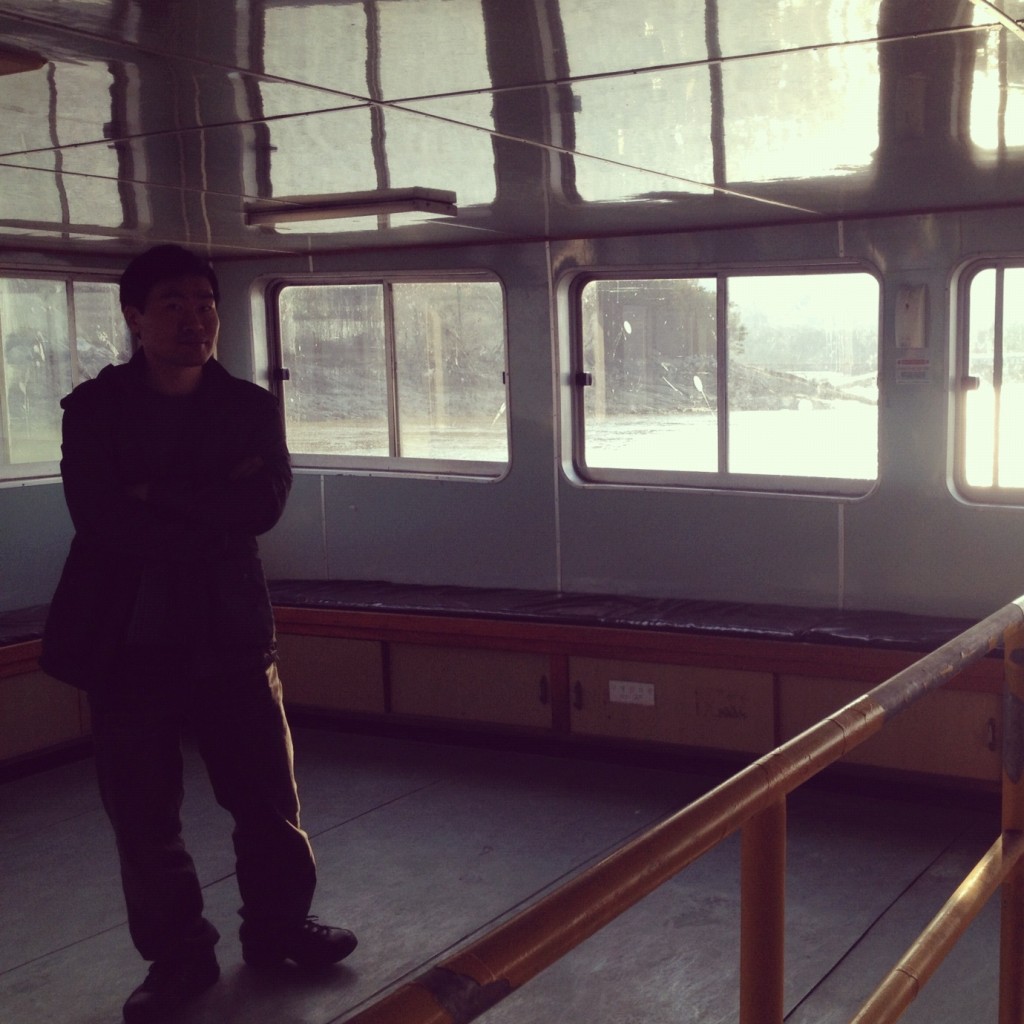
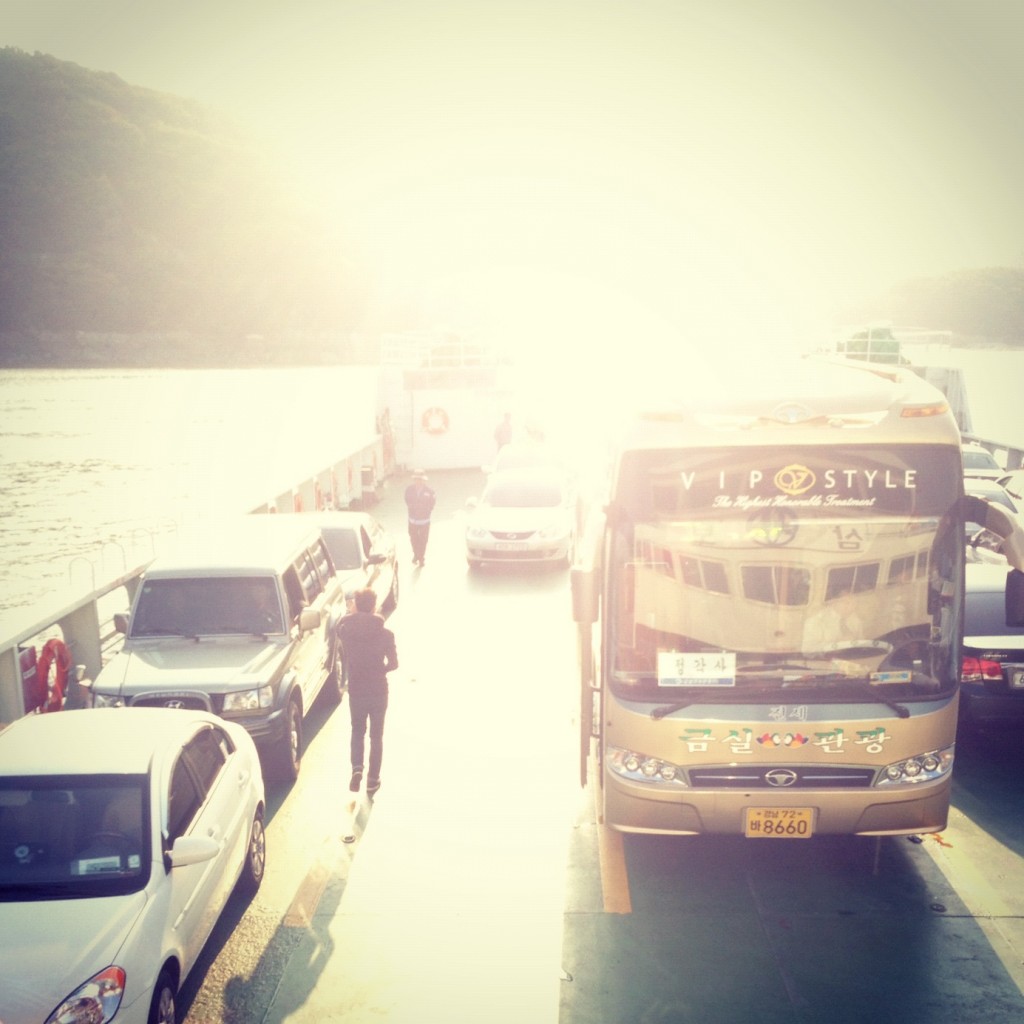
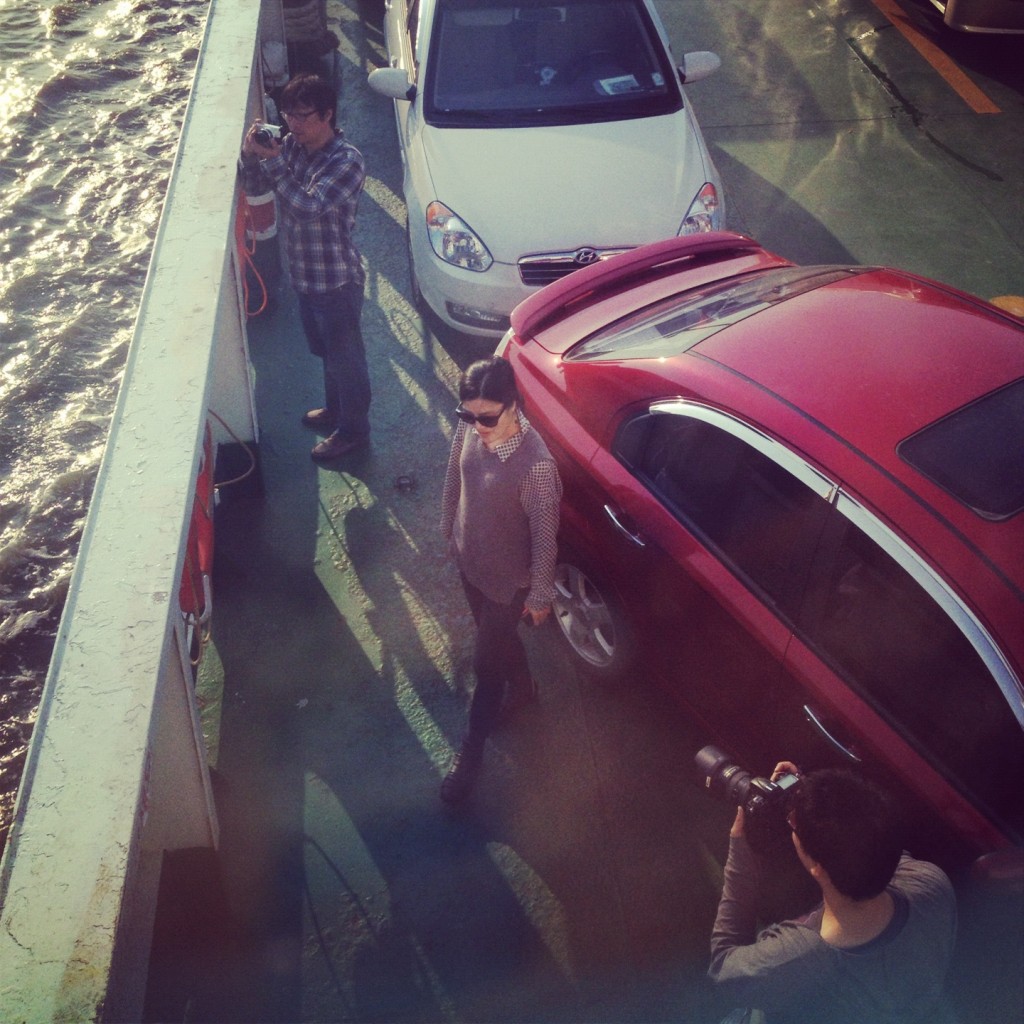

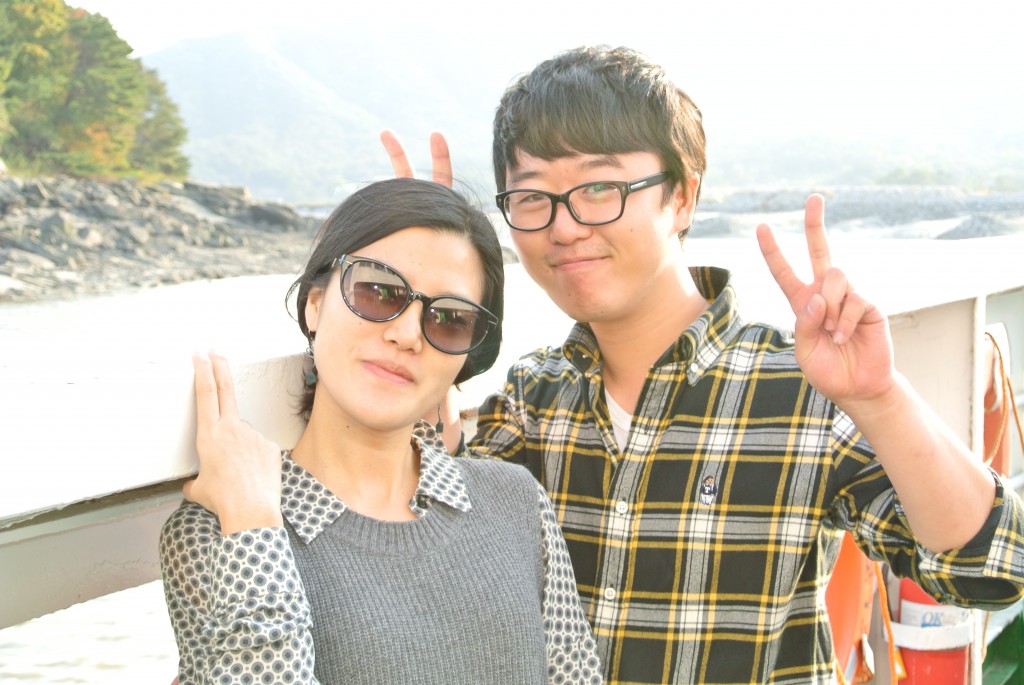
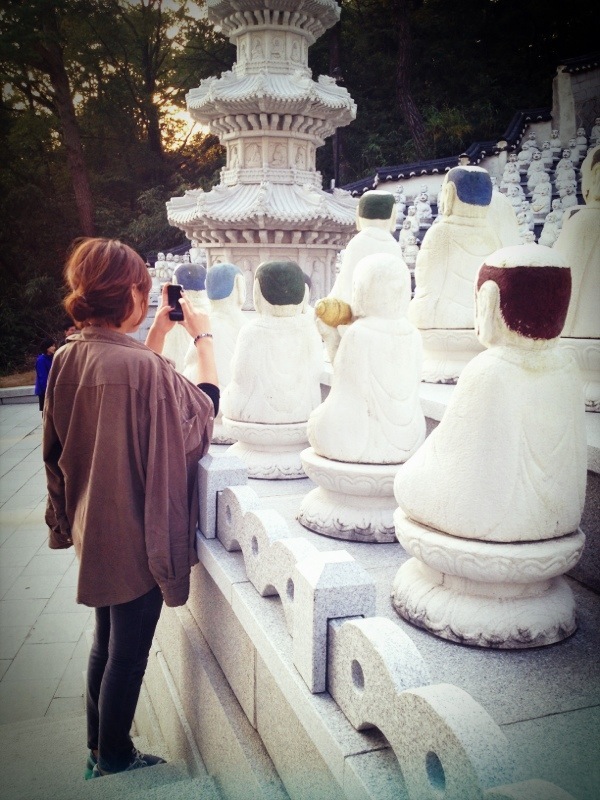
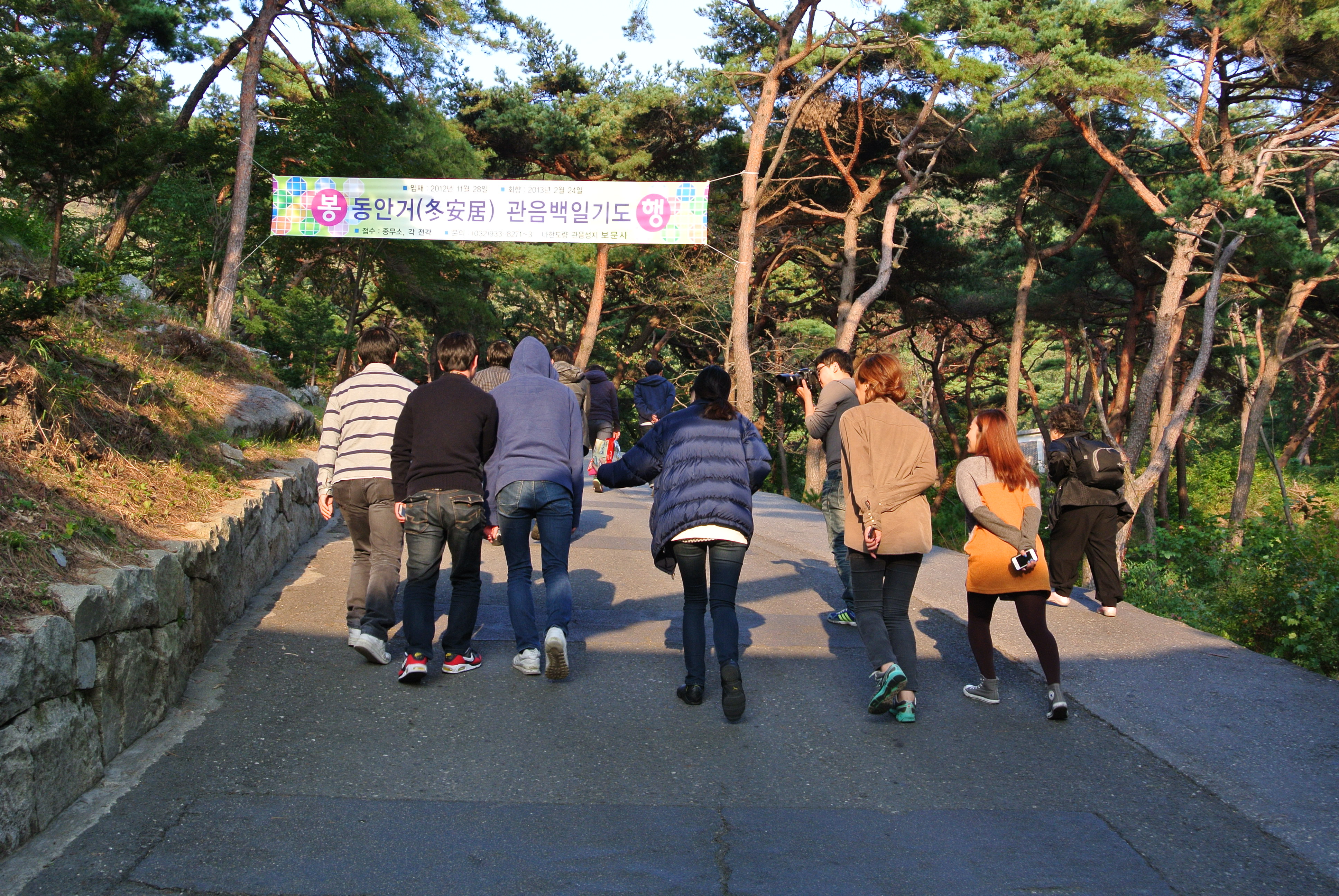
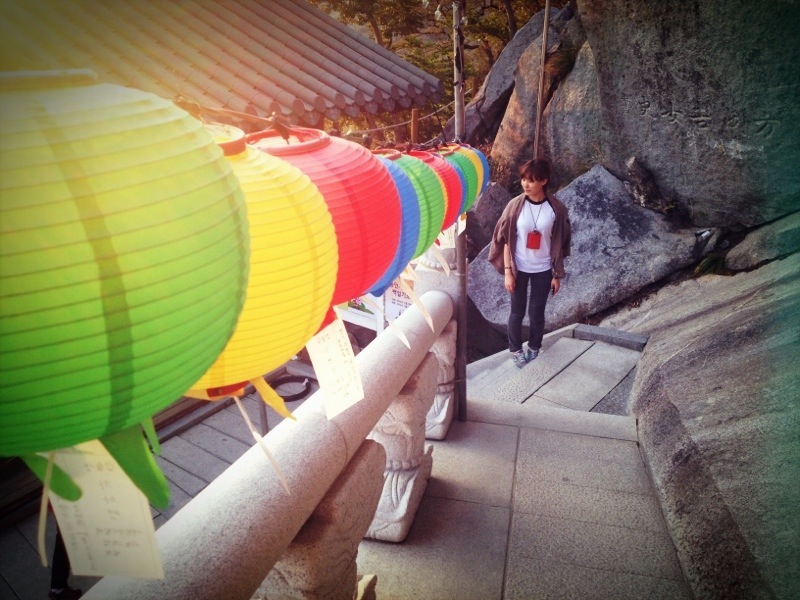
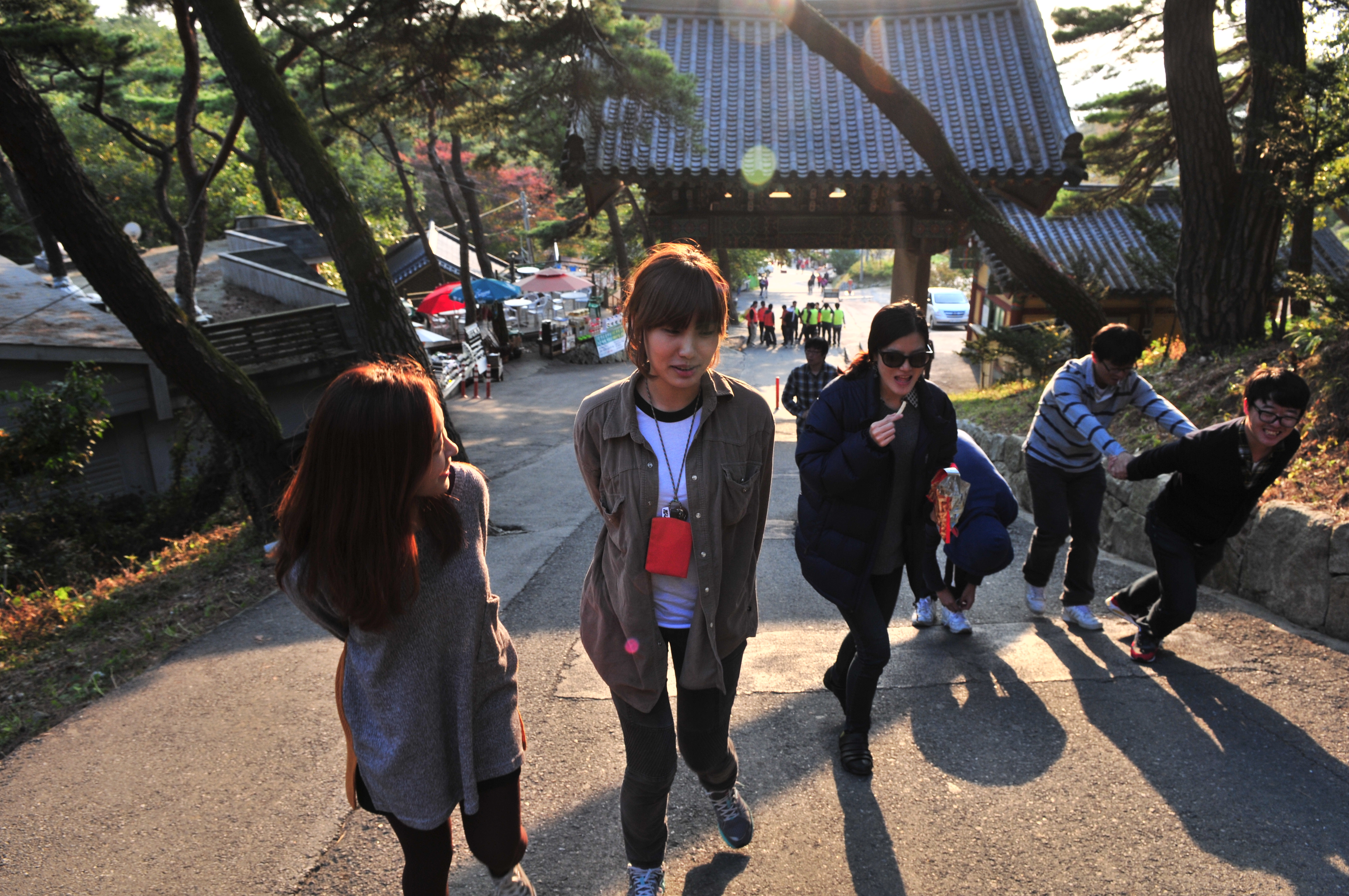
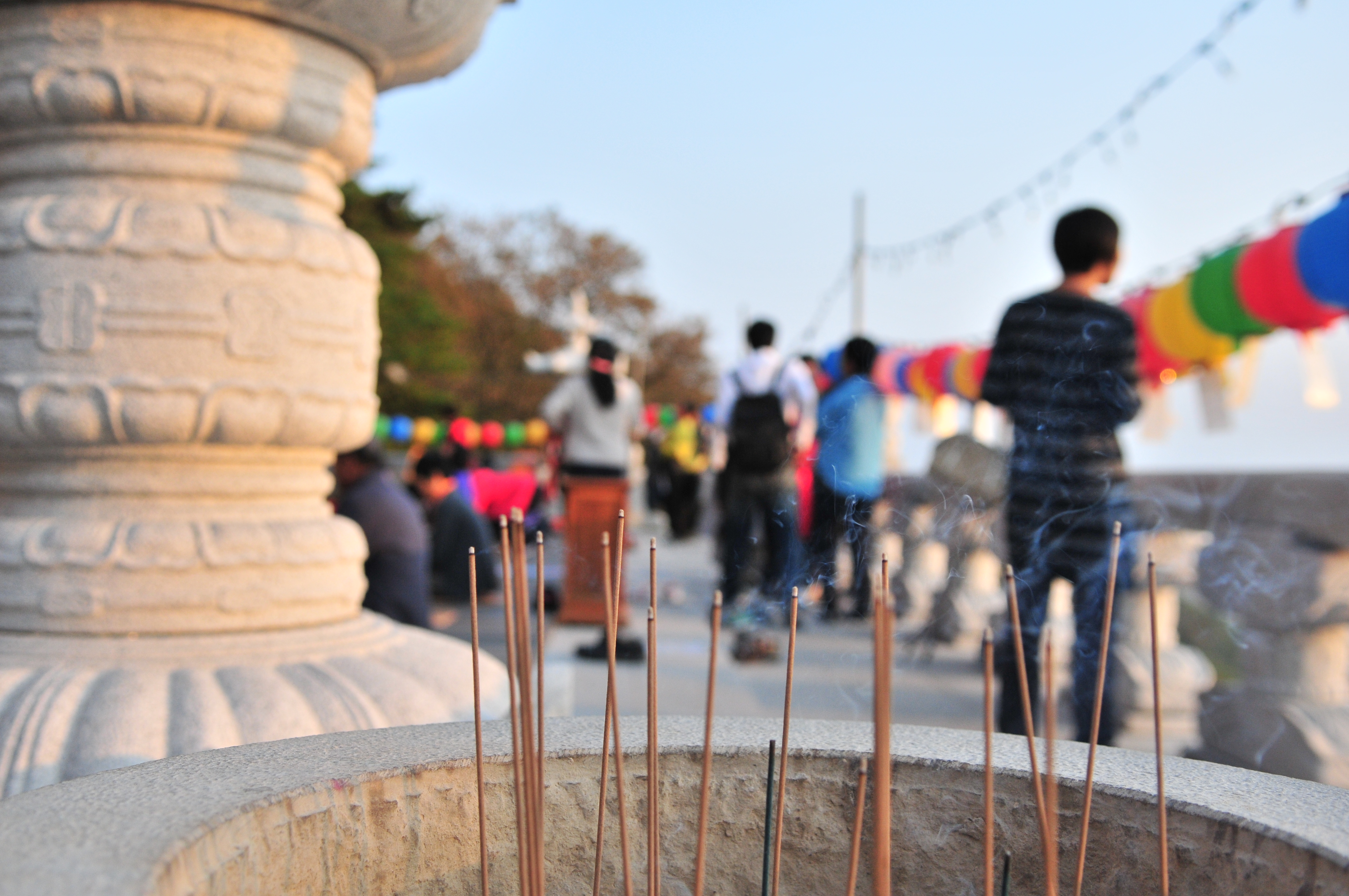
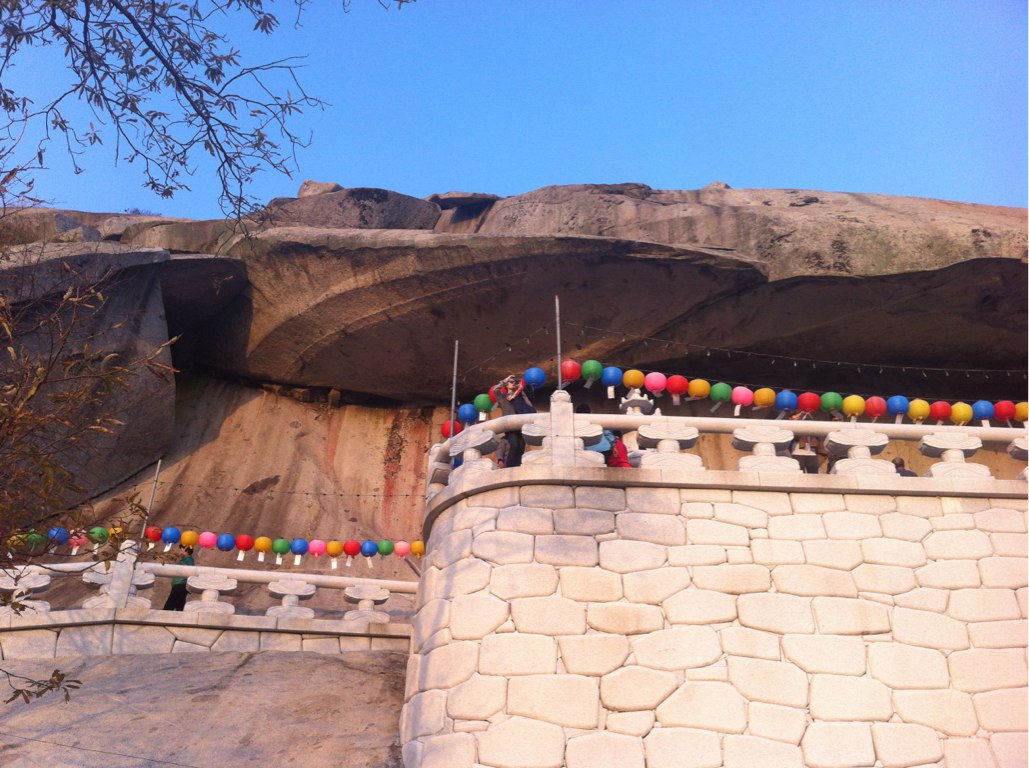
석모도에 도착해서 보문사에 올라갔습니다~ 여기저기 구경하러 돌아다녔어요.
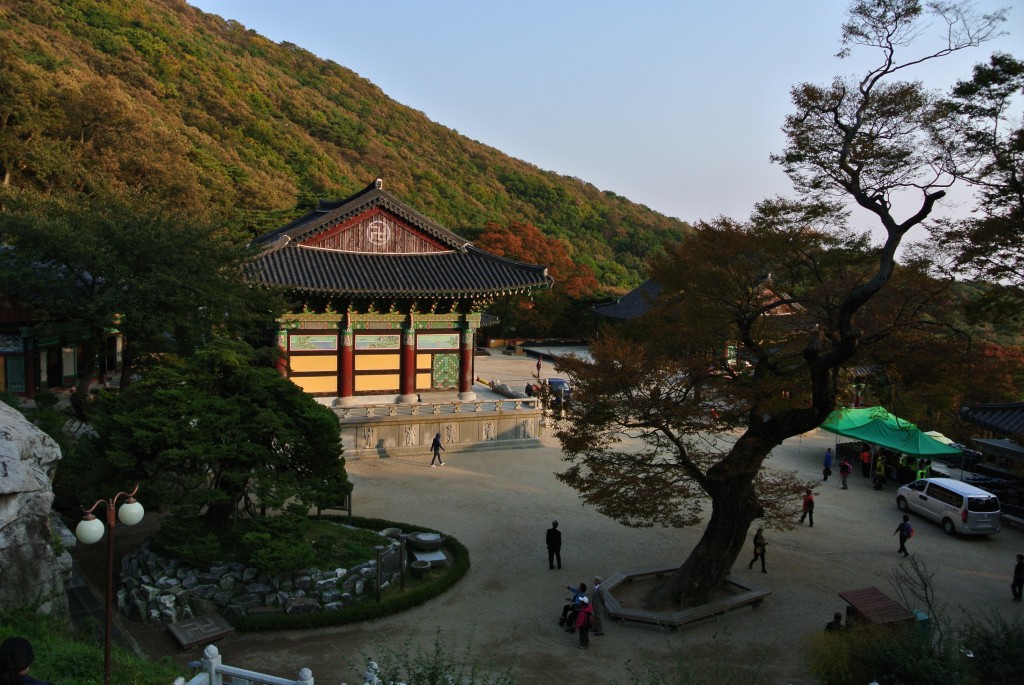
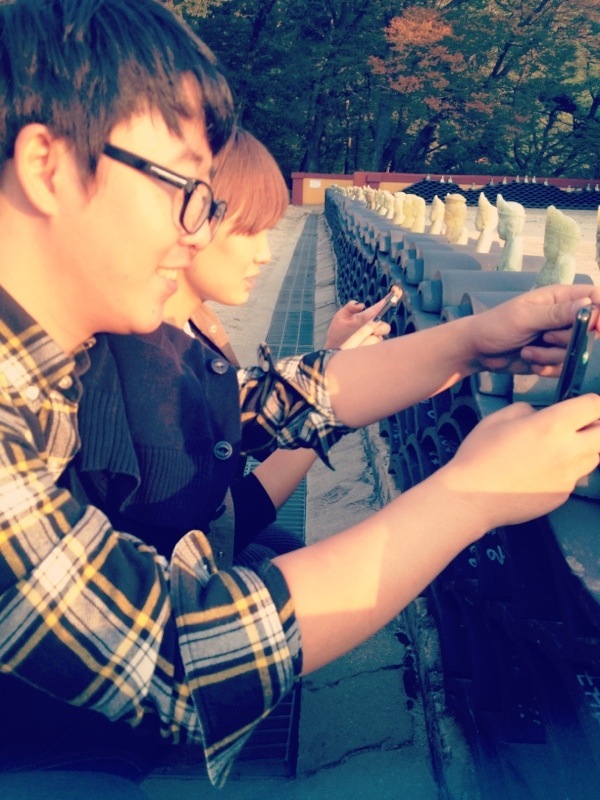
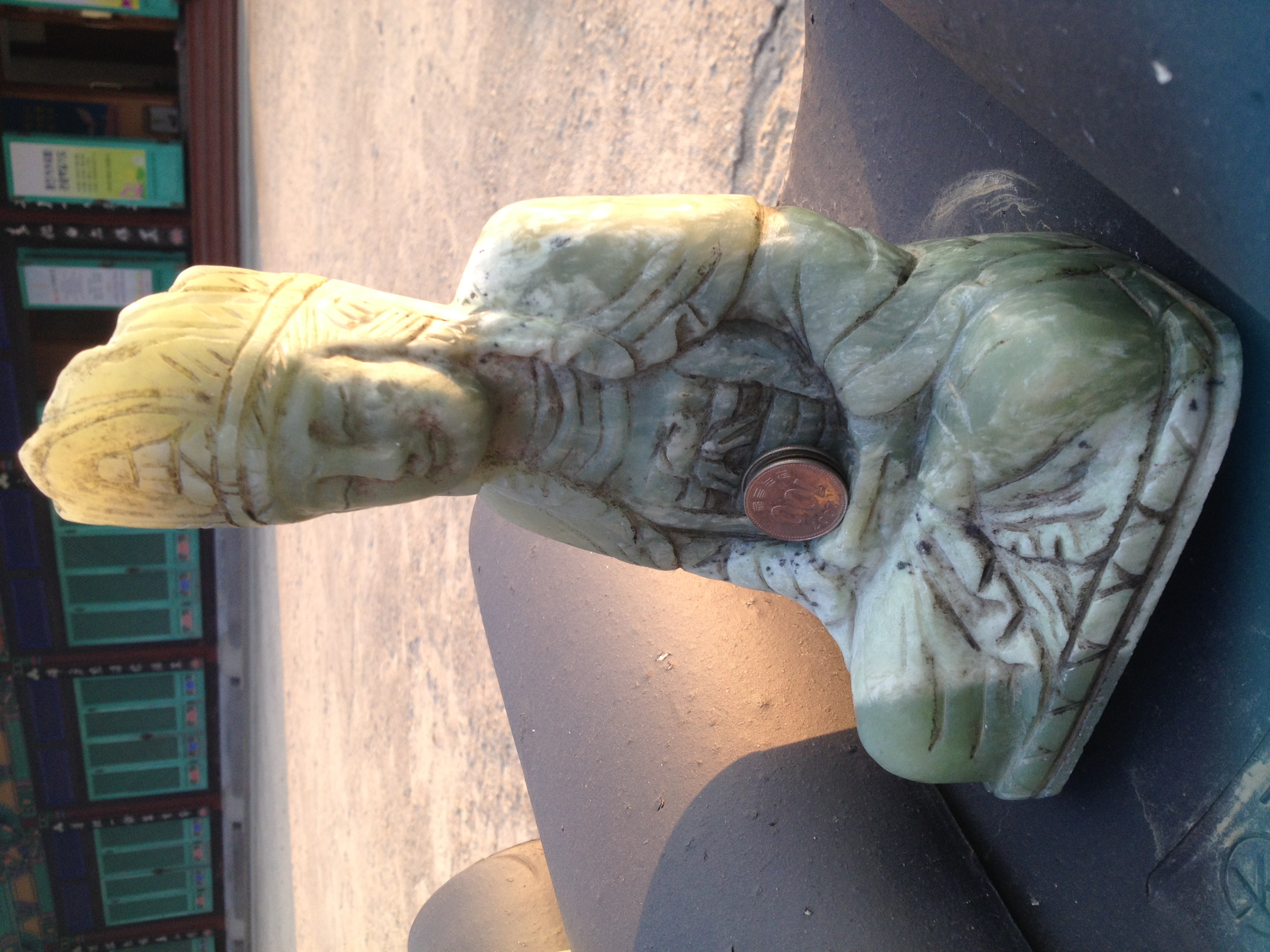
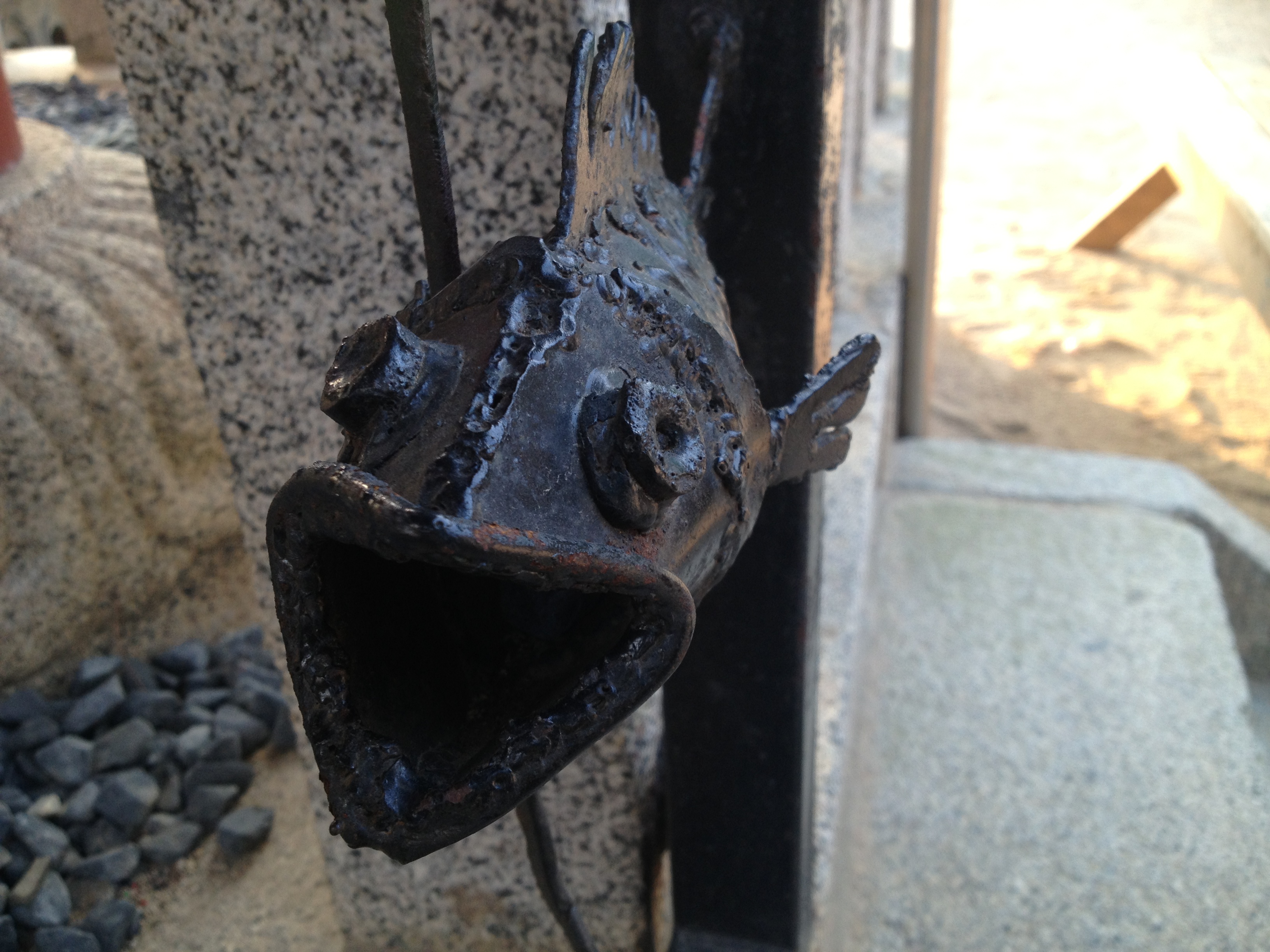
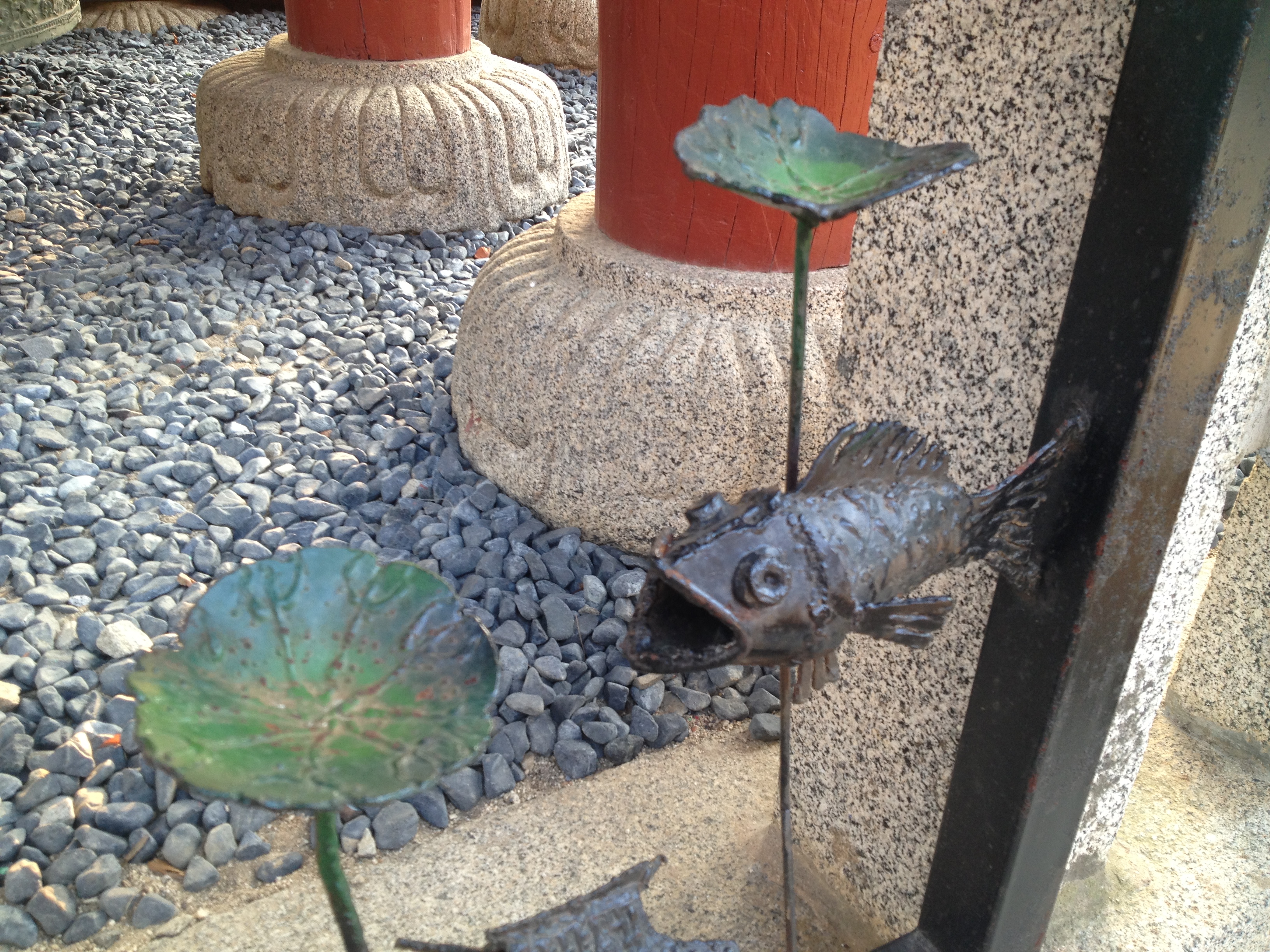
블루베리 초코타르트 불상

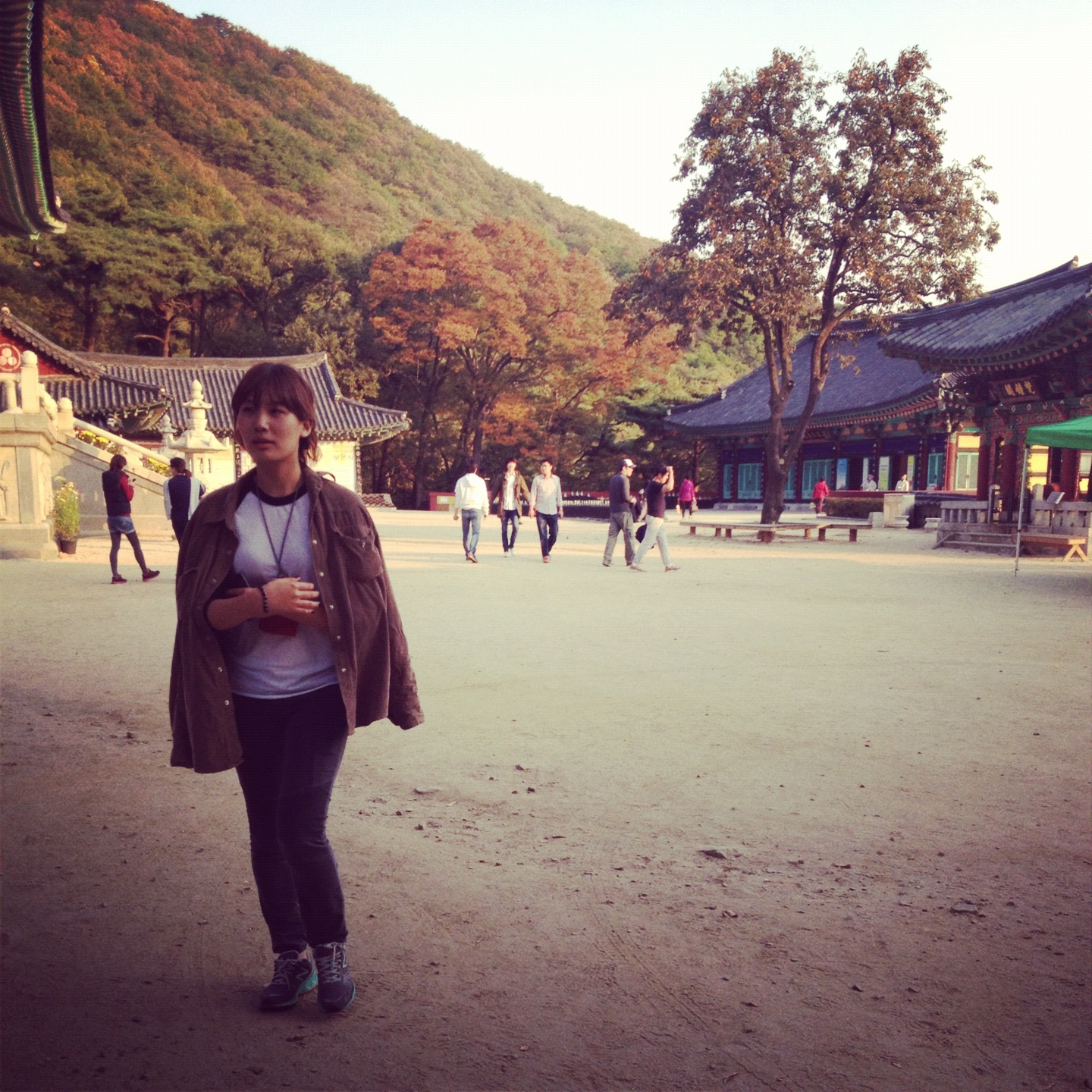
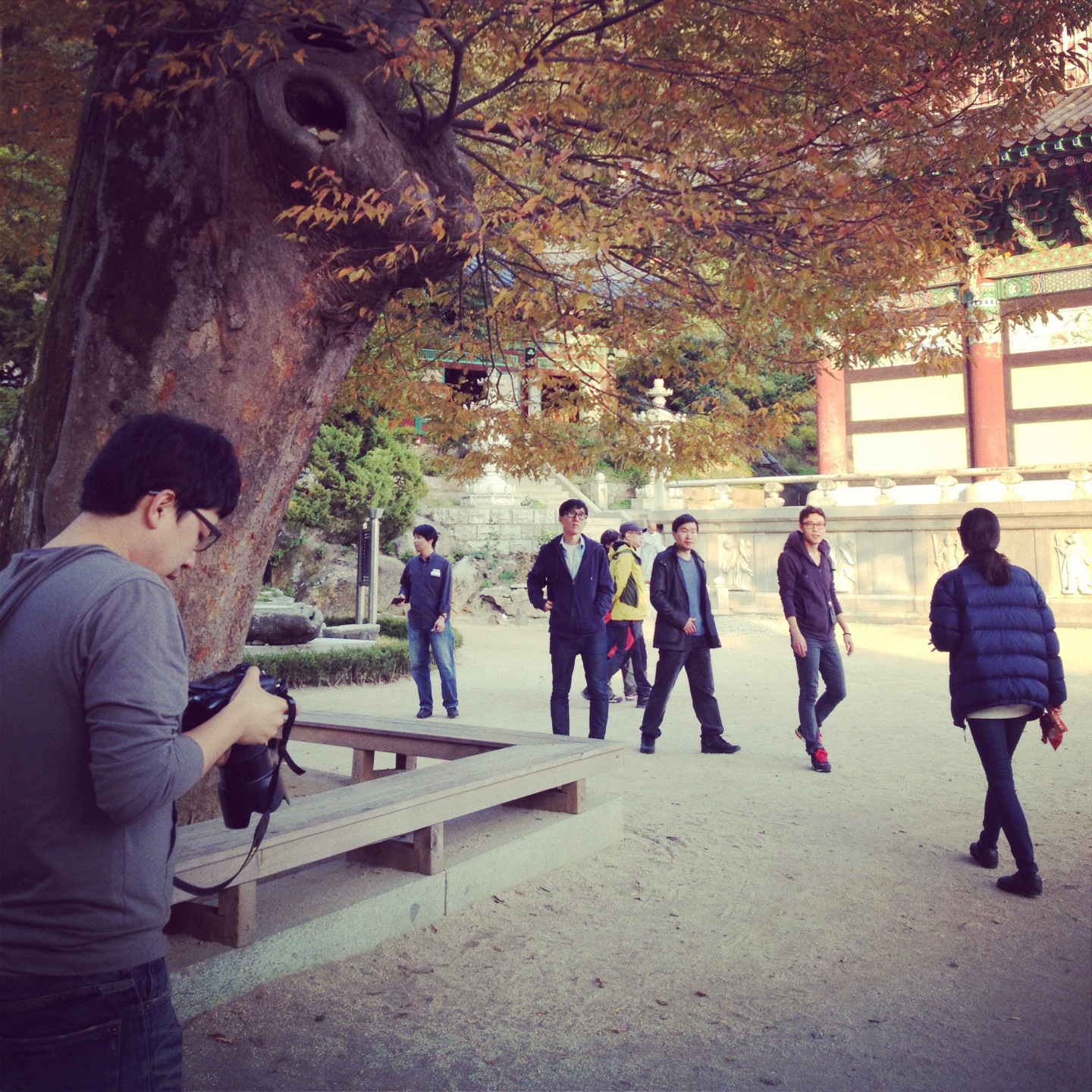
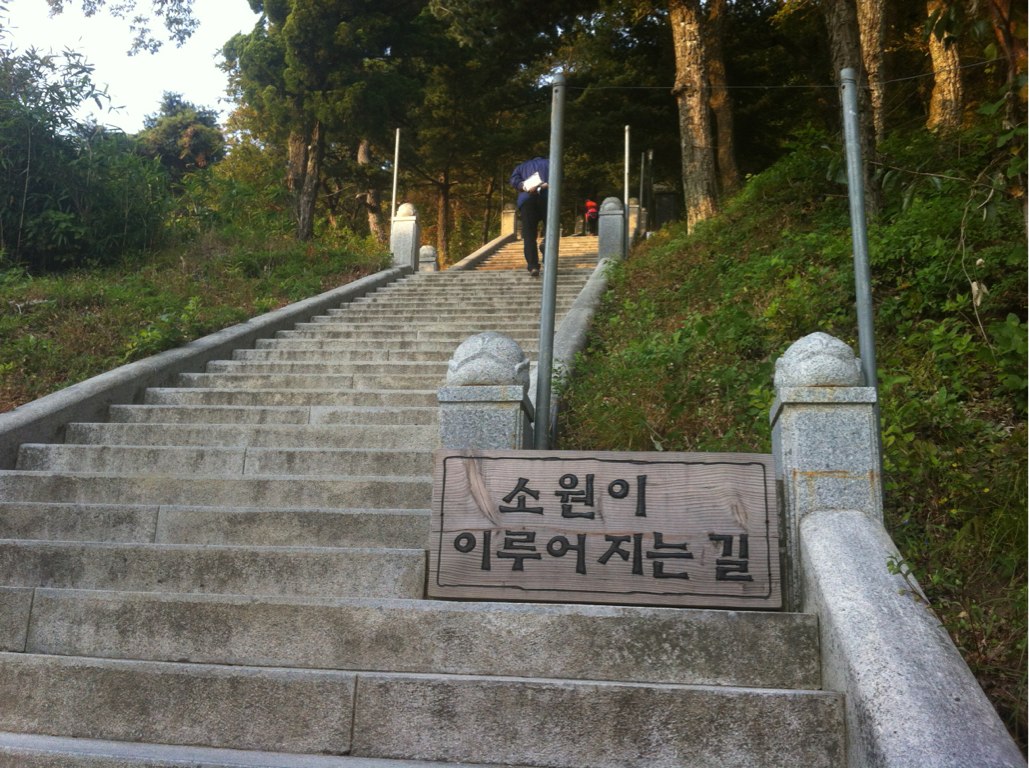
그리고 소원이 이루어지는 계단을 올랐습니다.

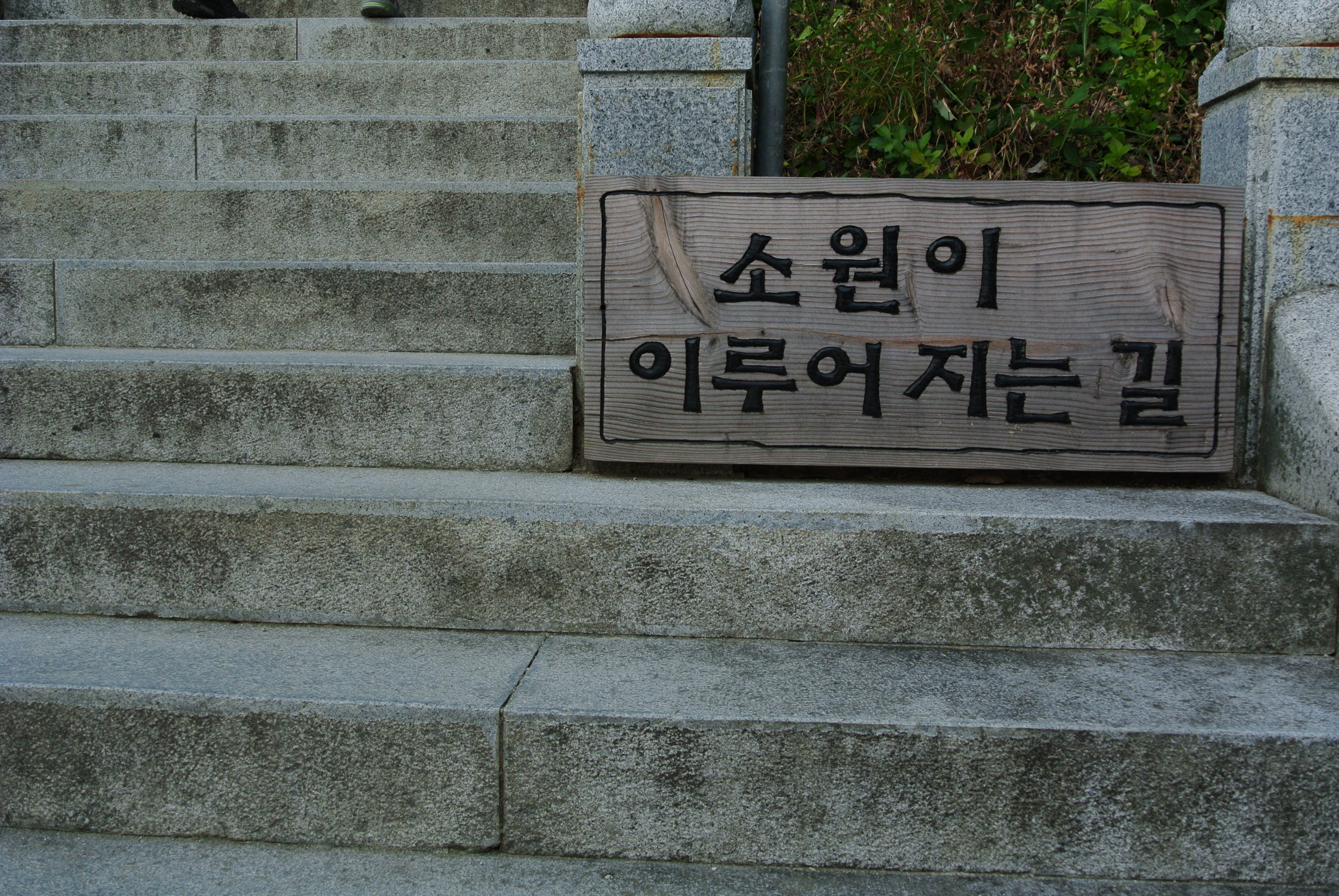
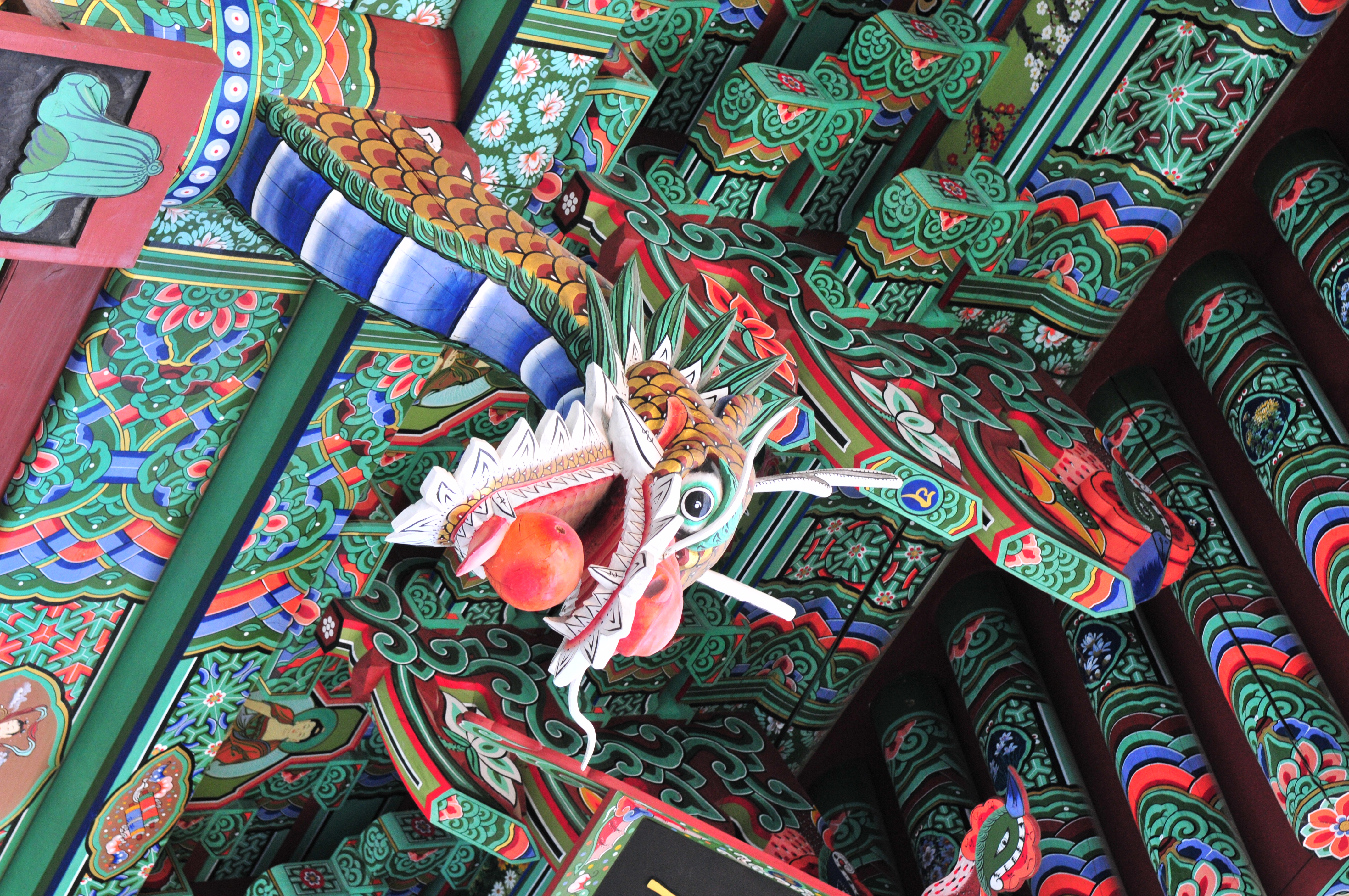
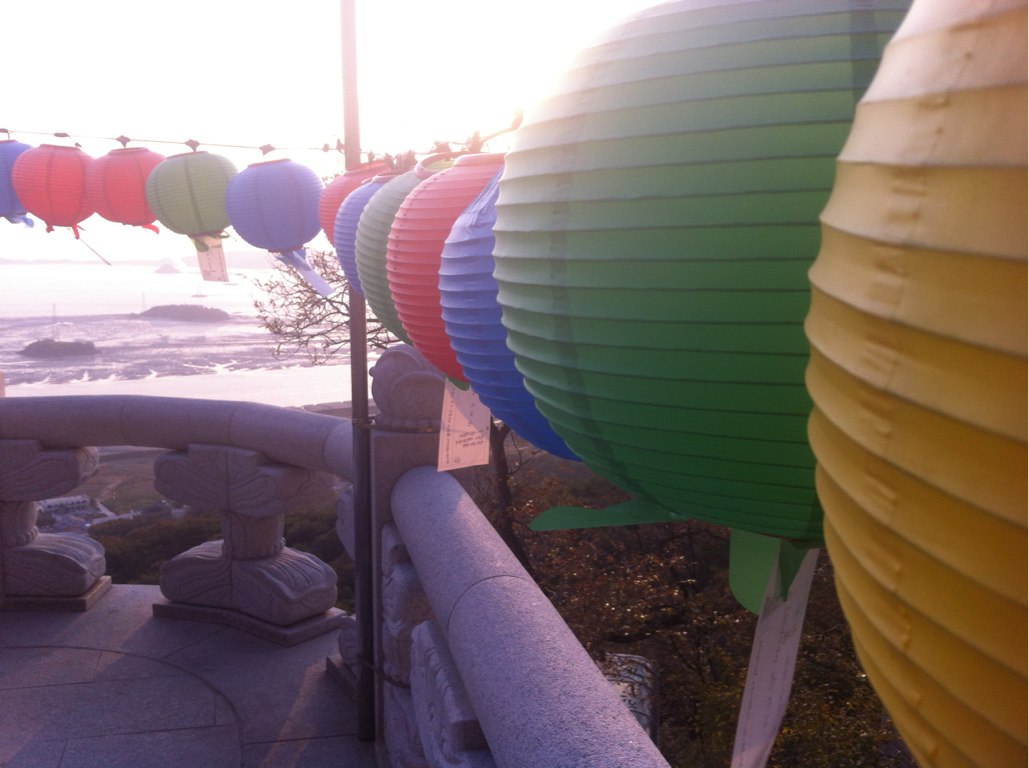
중간중간 볼거리도 있었어요. 소원을 담은 유리병과 용머리!
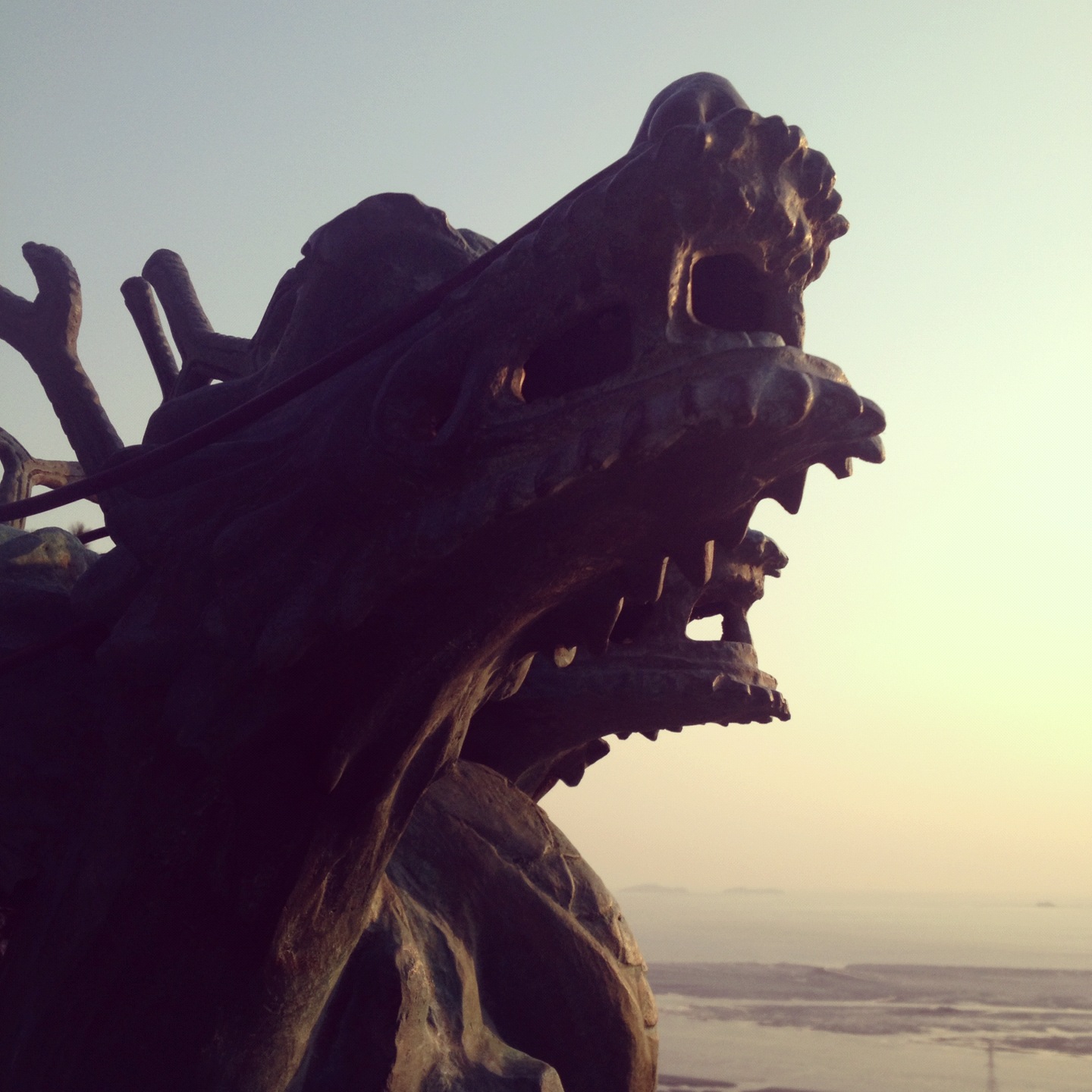
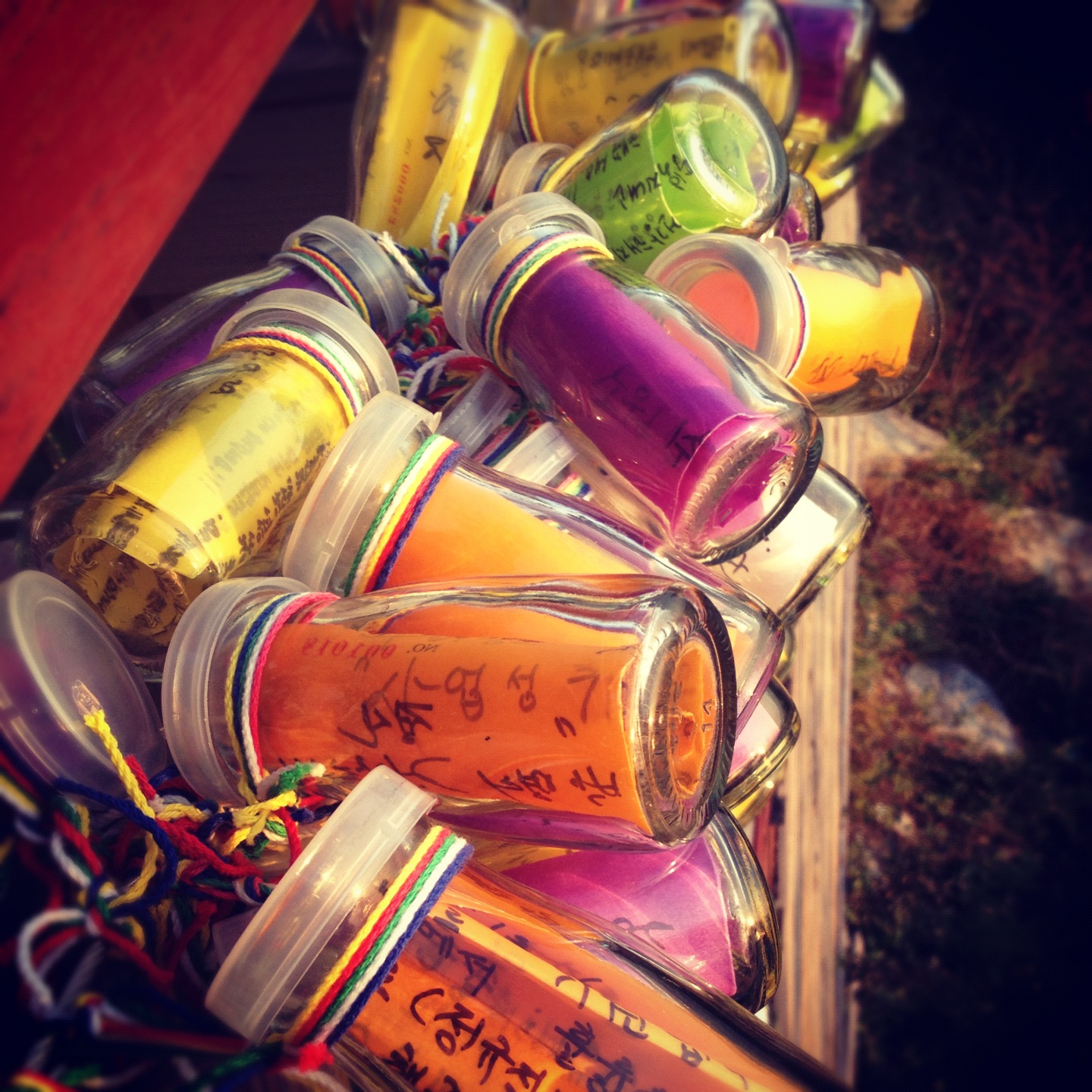
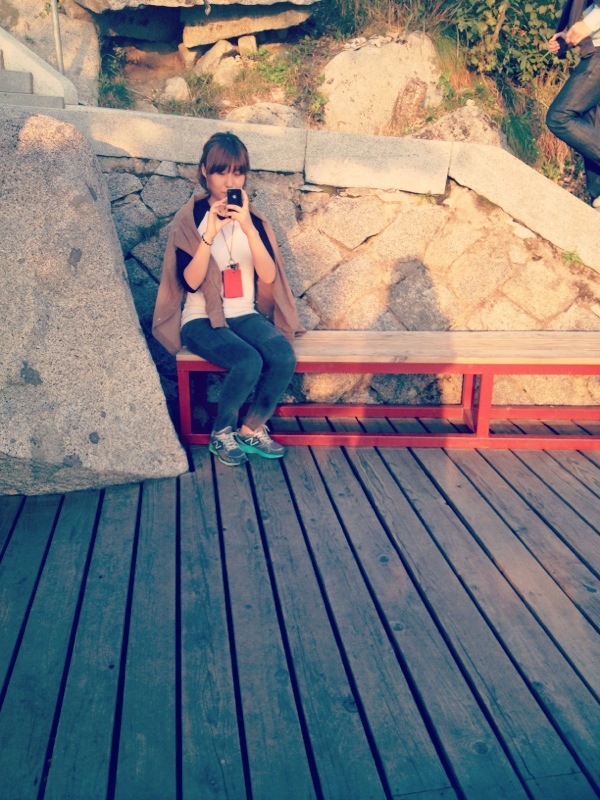
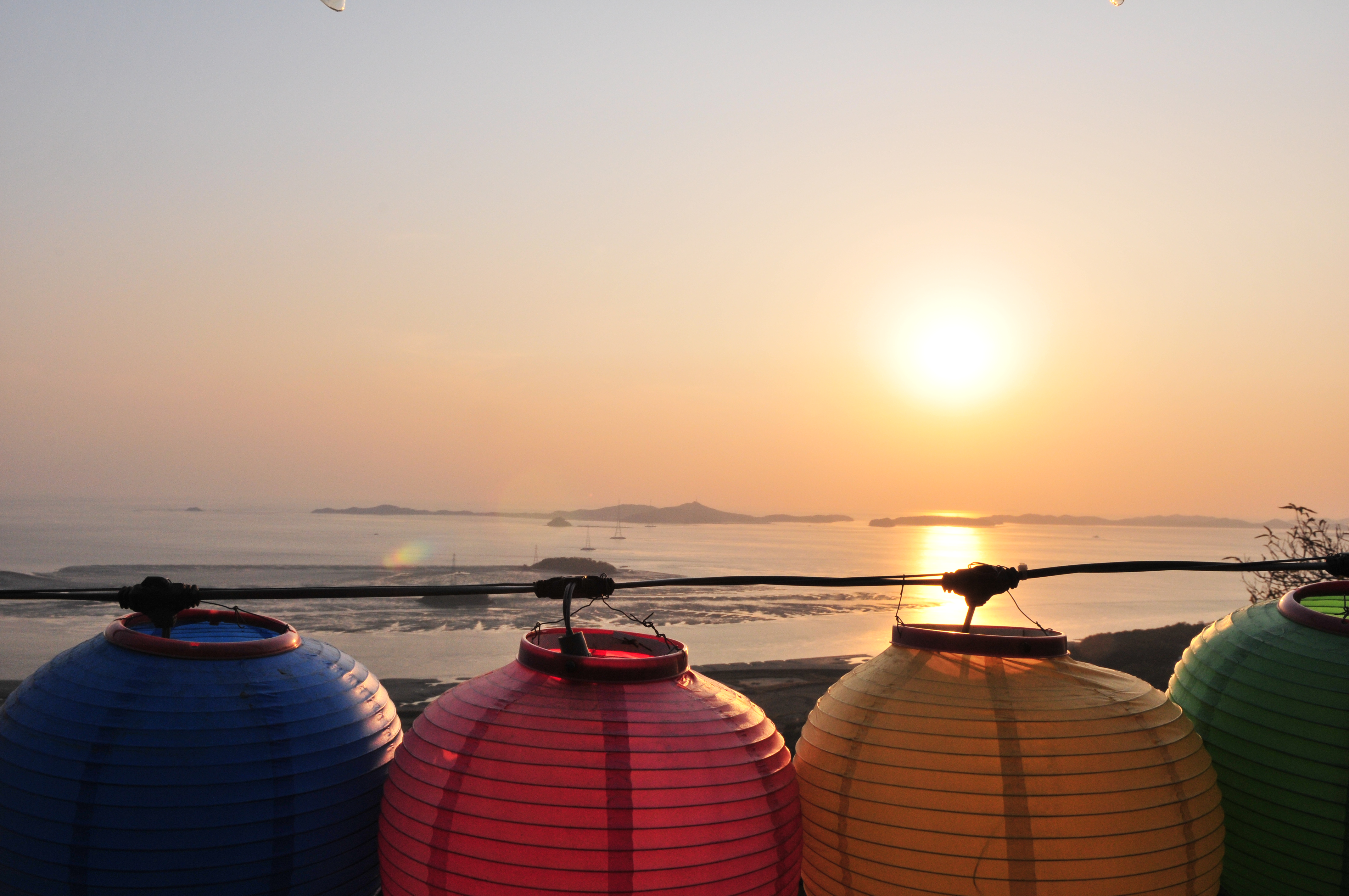
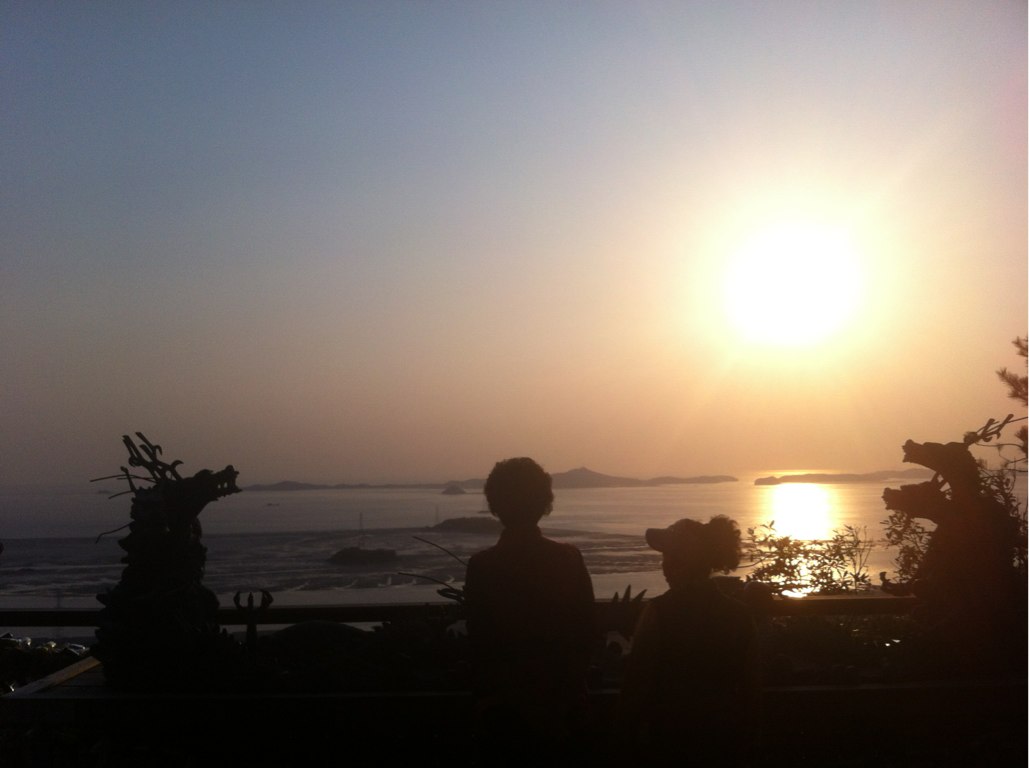
계단 끝에 도착하니 멋진 풍경이 눈앞에^^

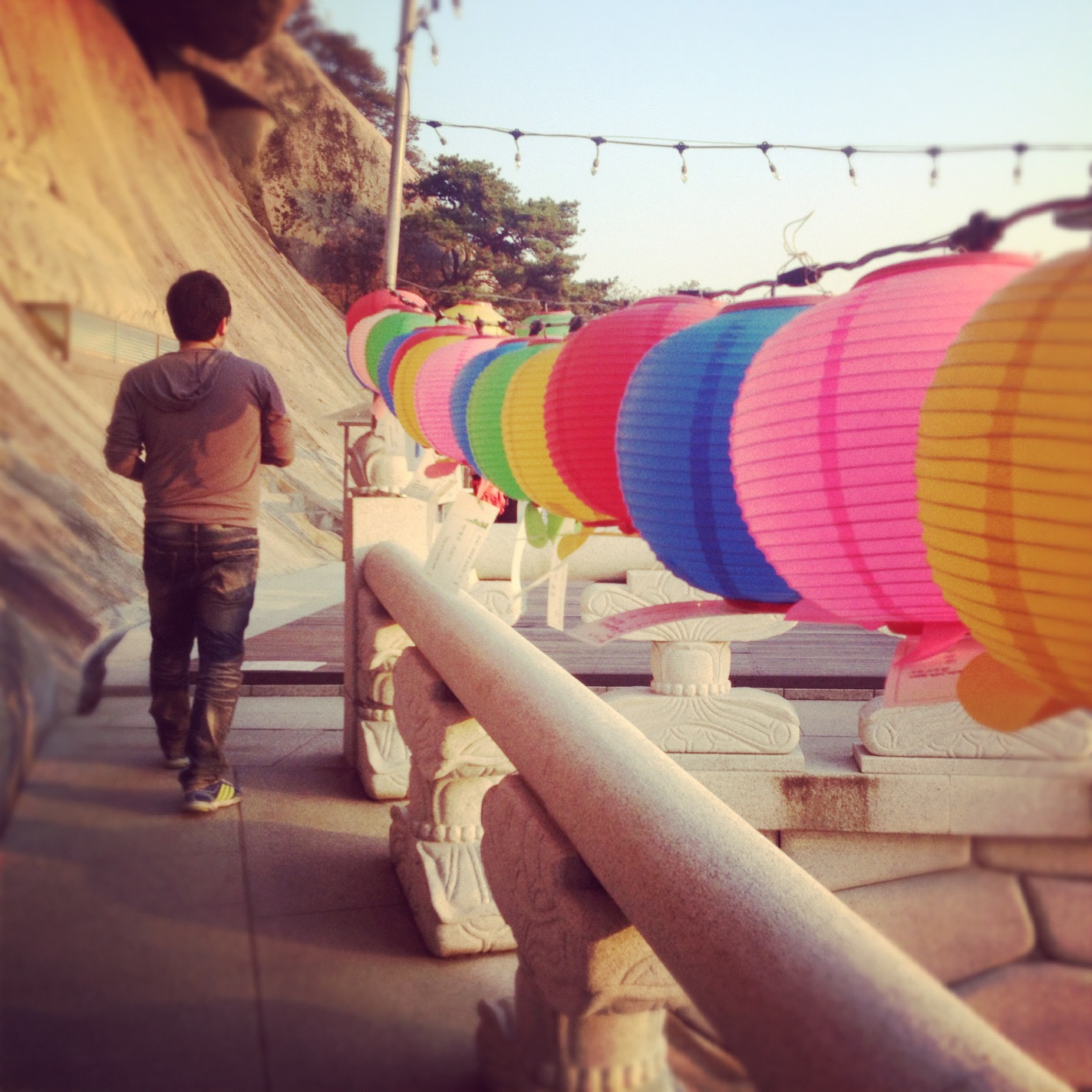
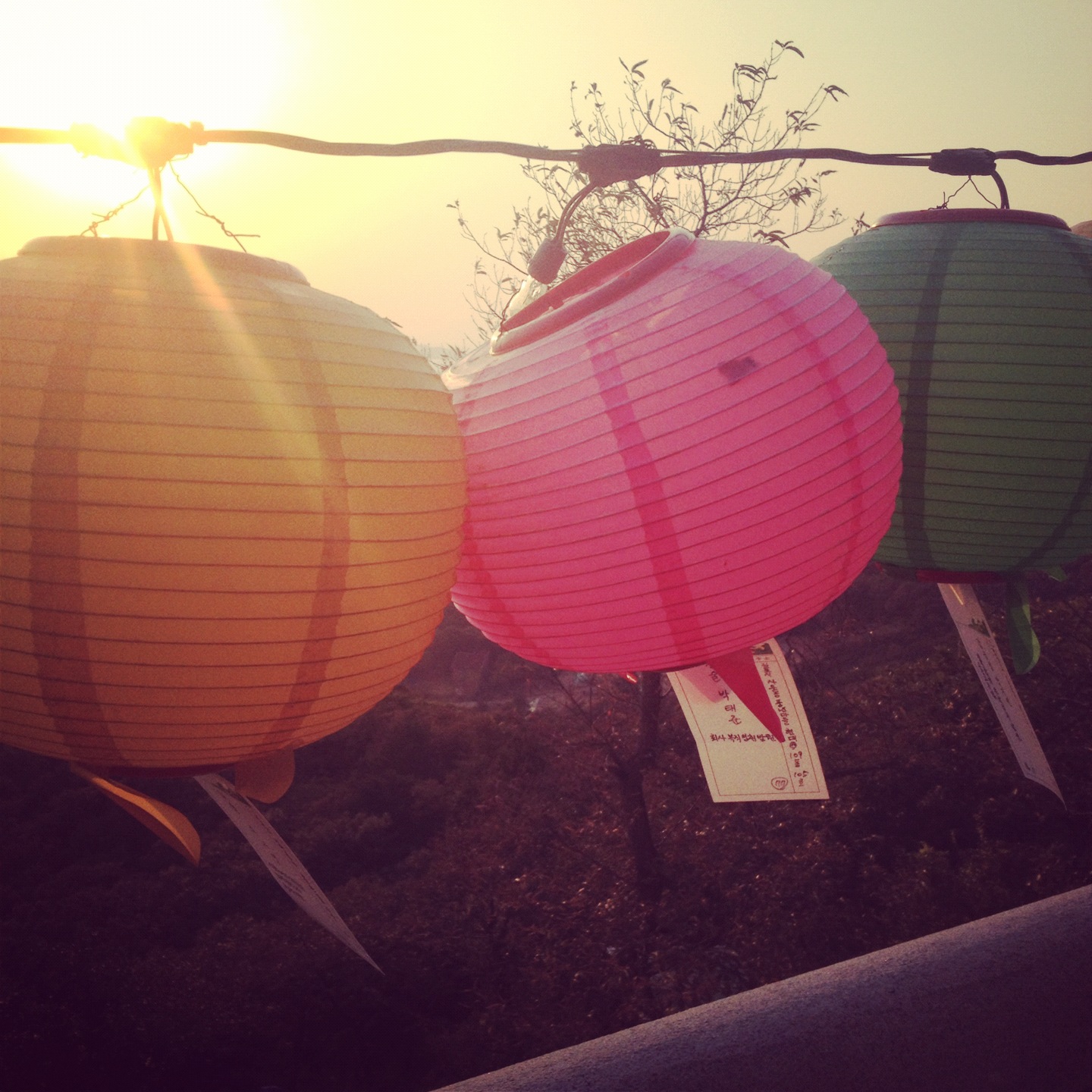
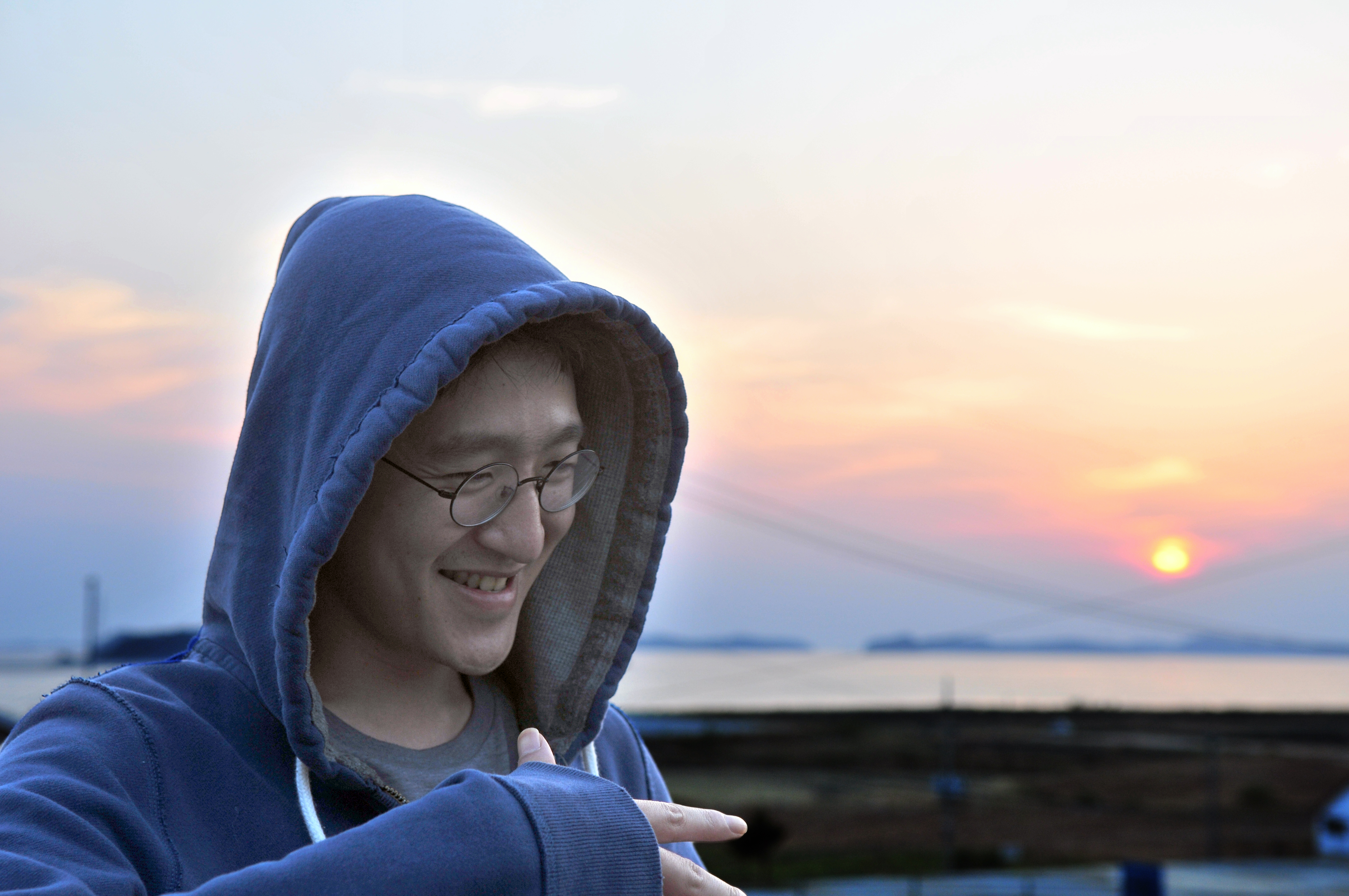
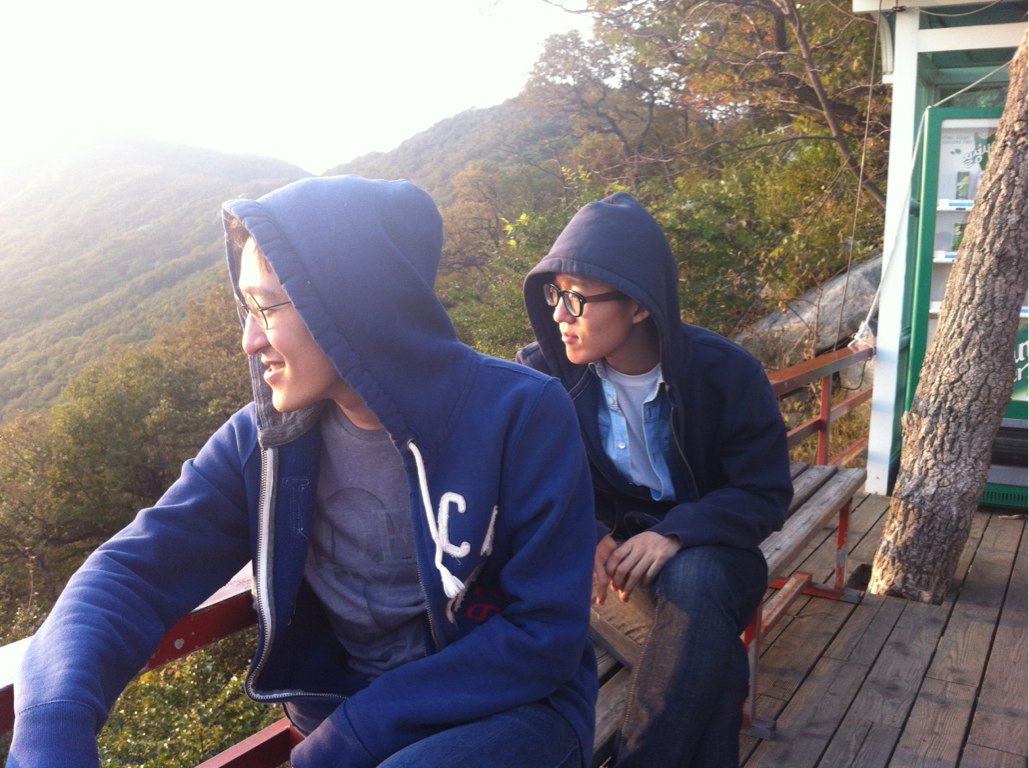
현빈이는 지는 해를 보며 생각에 잠겼어요…ㅋ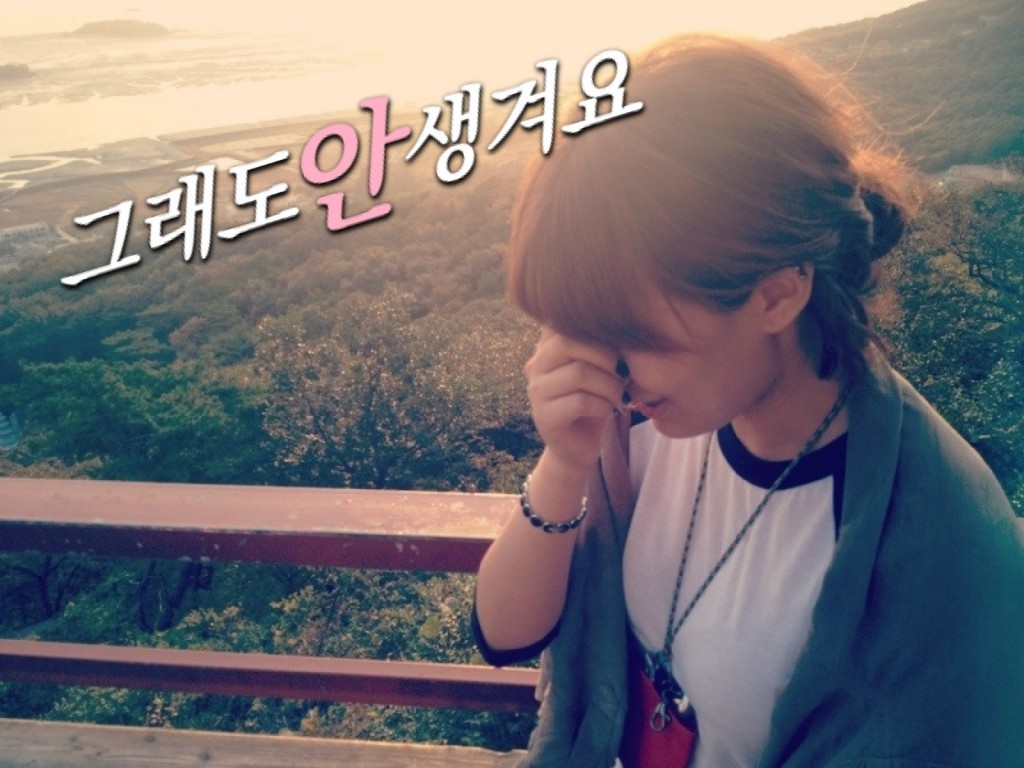
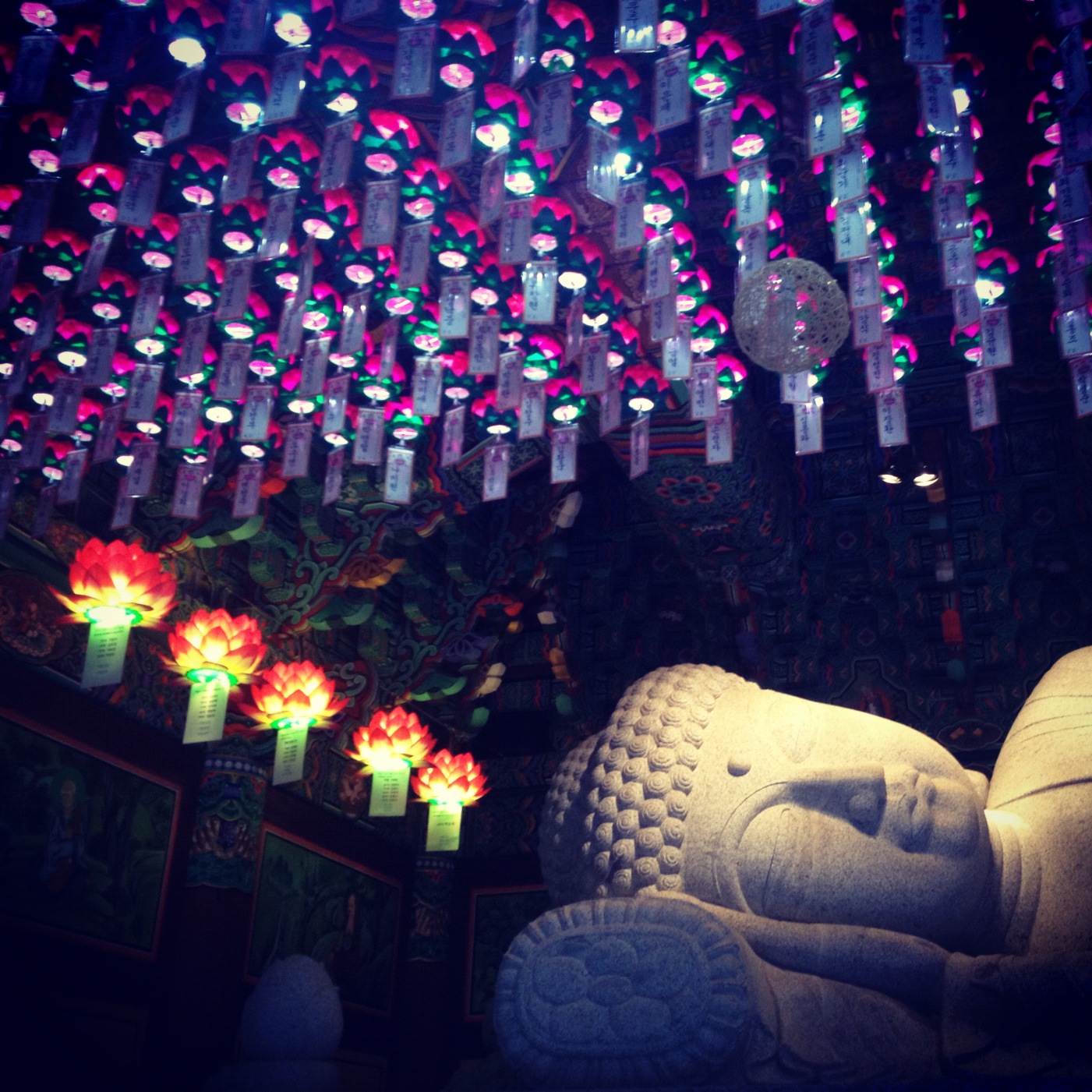
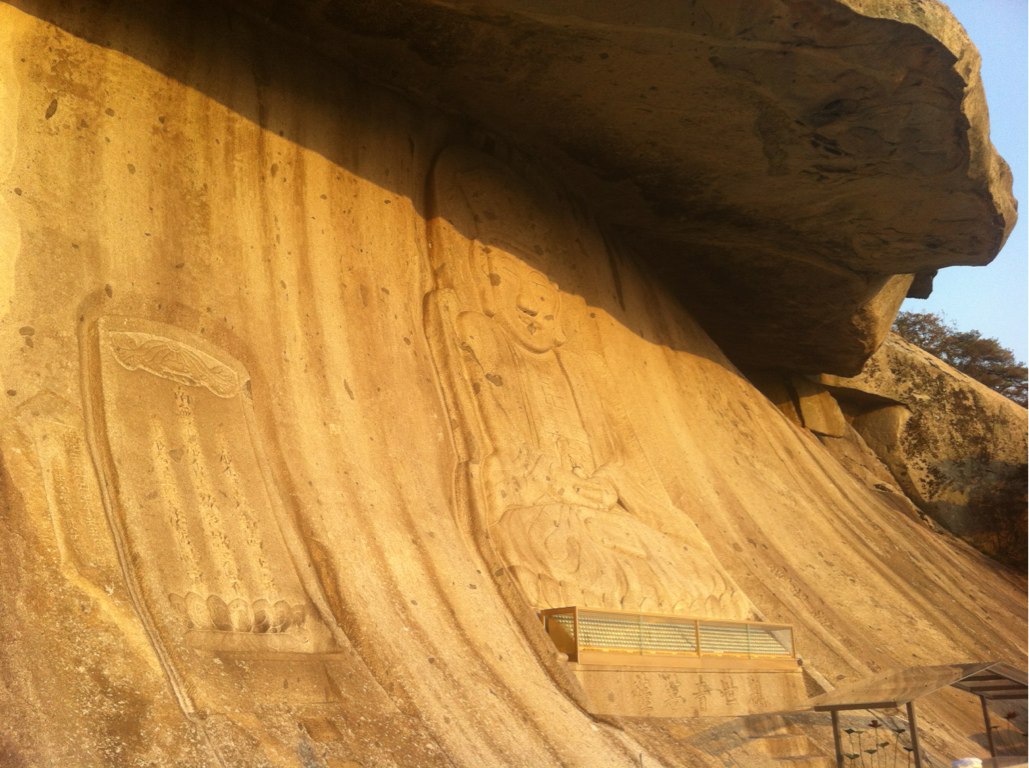
내려와서 와불 구경을 하고 숙소로 출발합니다.

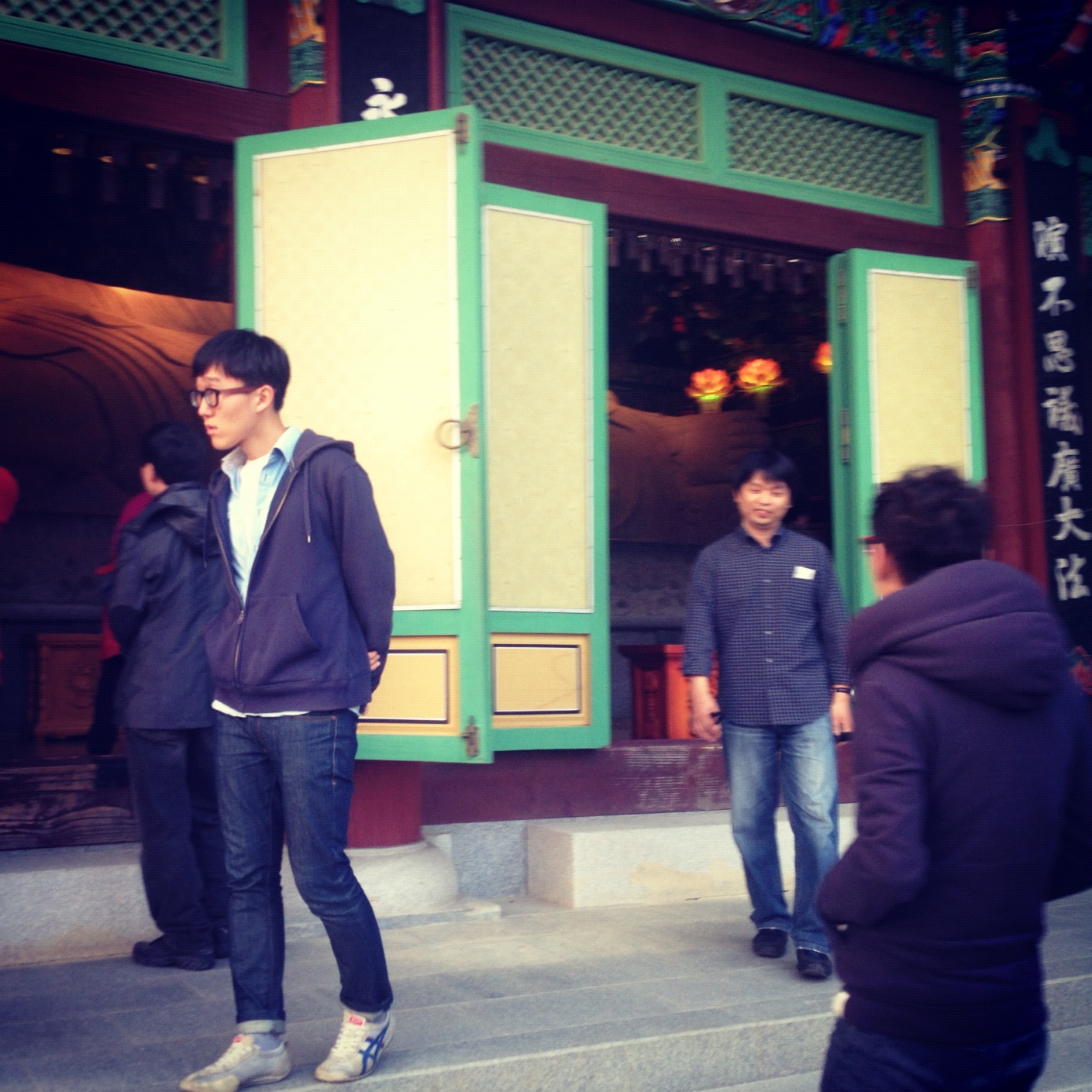
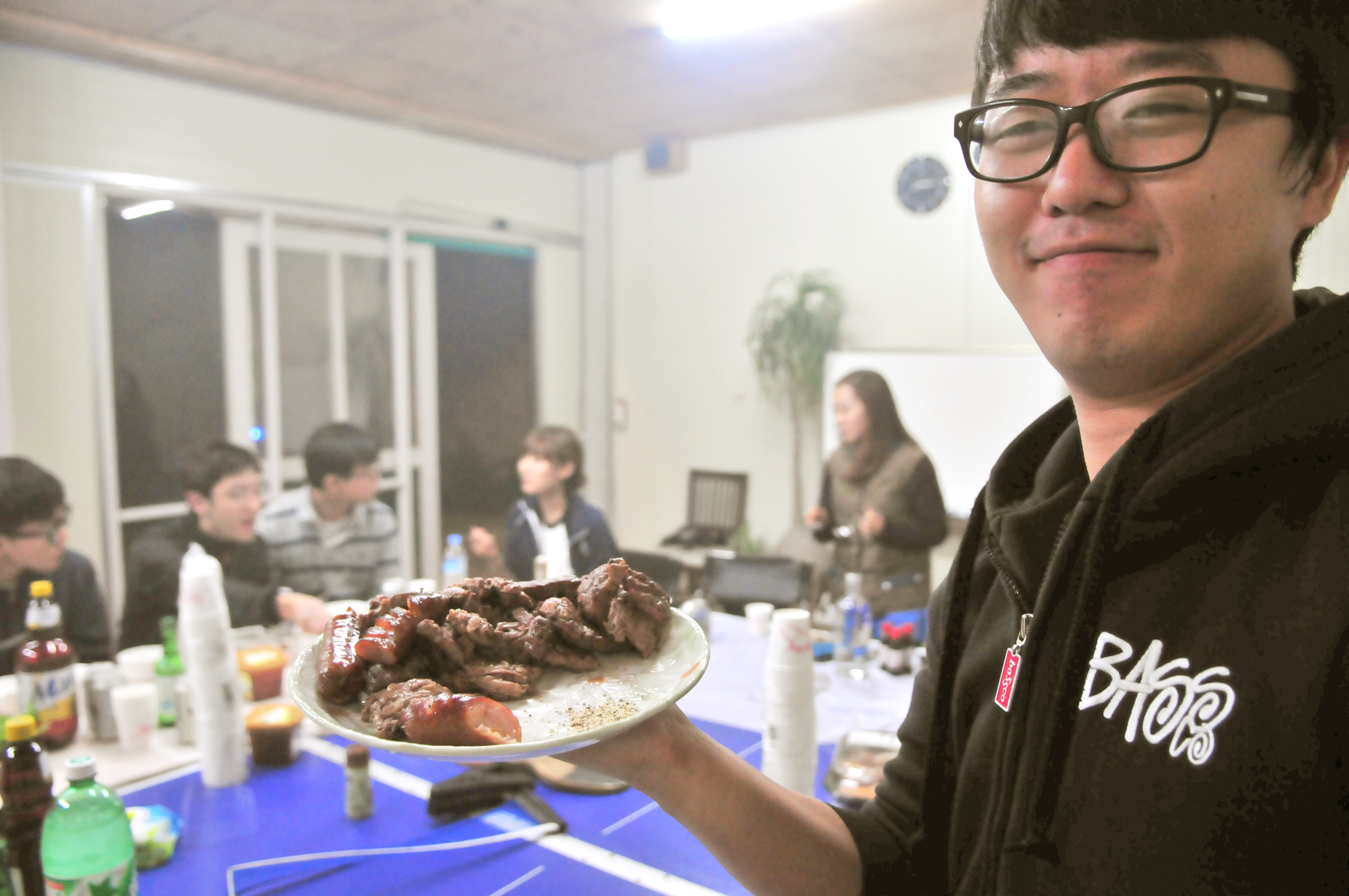
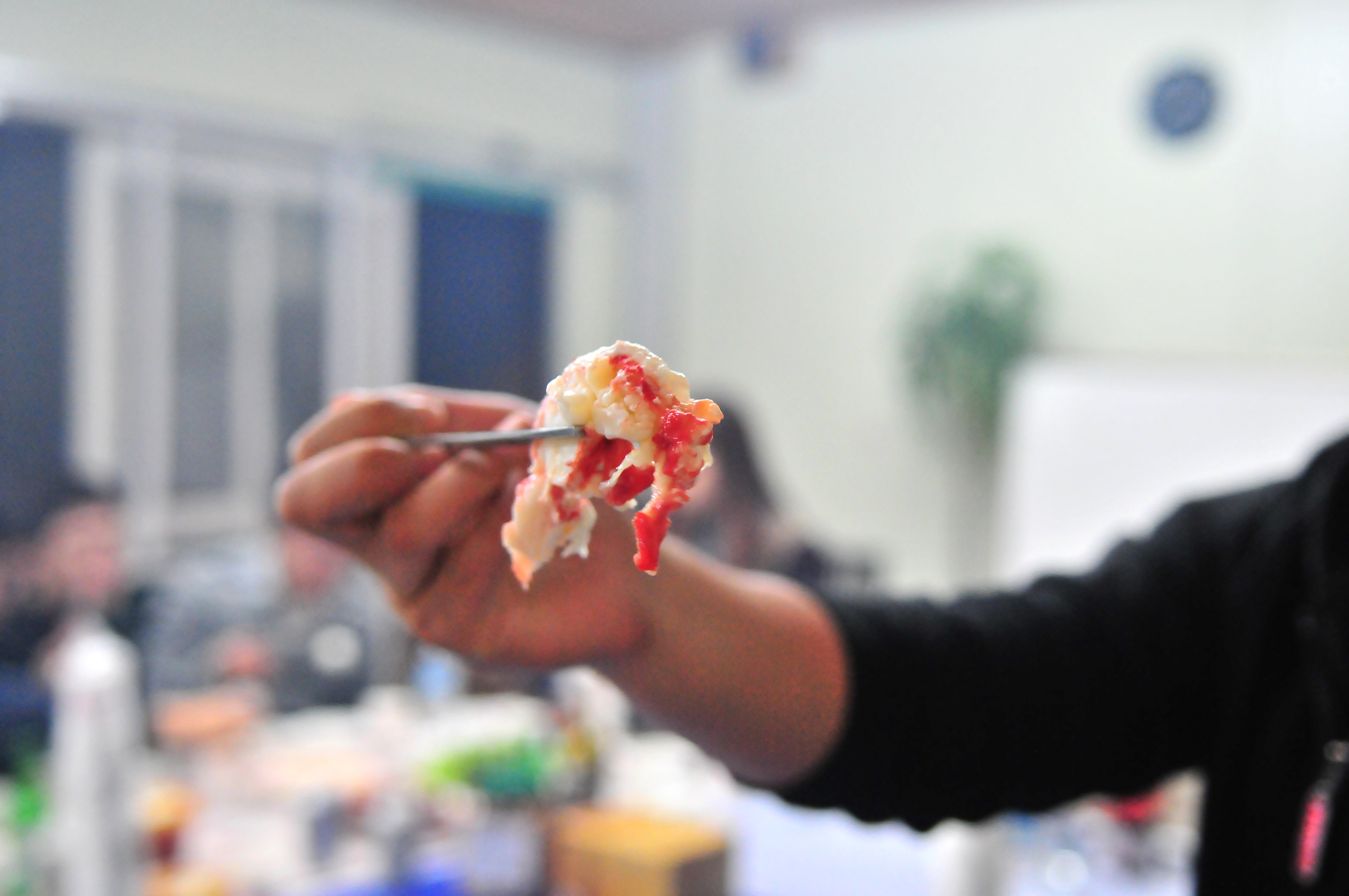
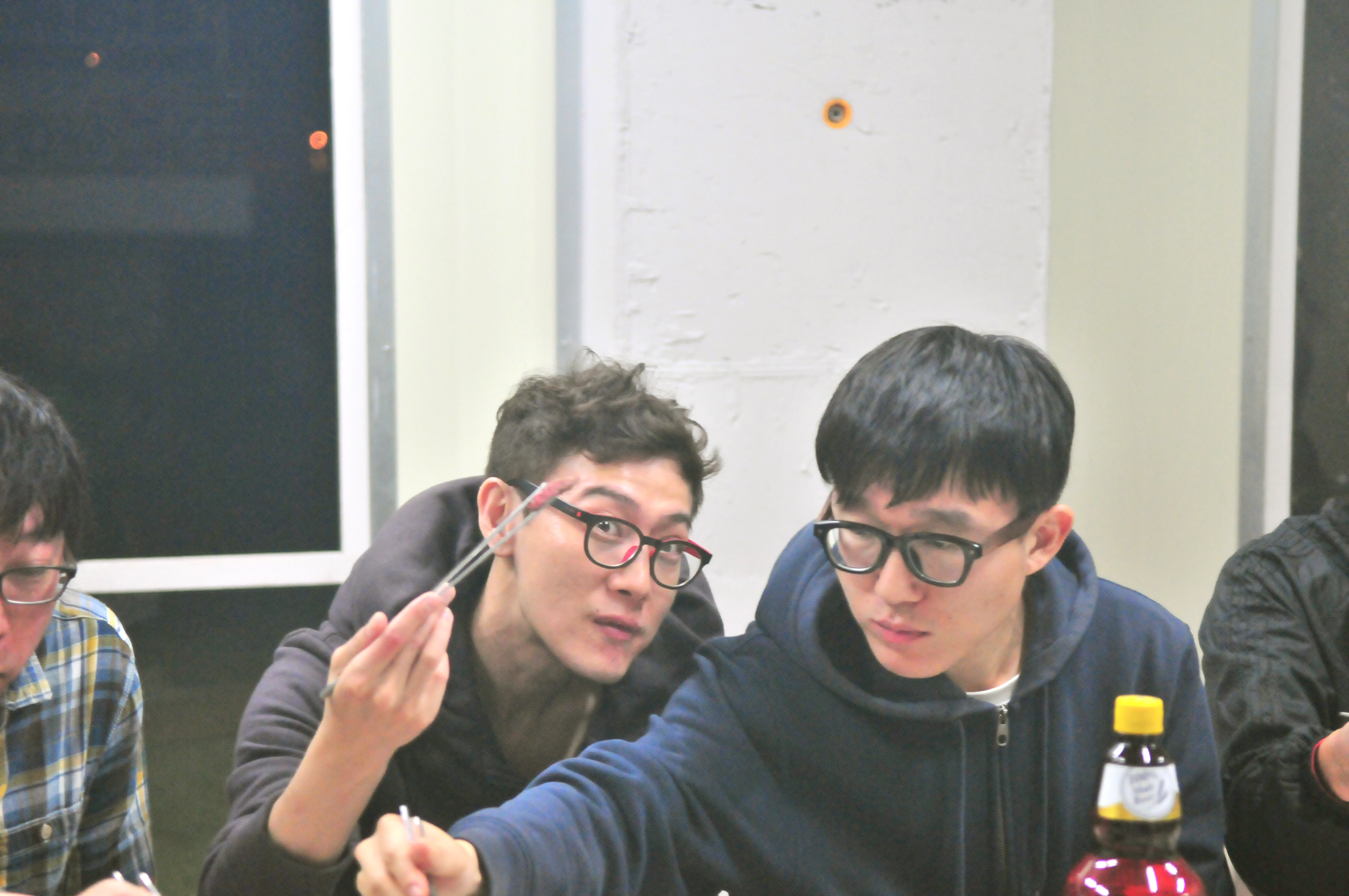
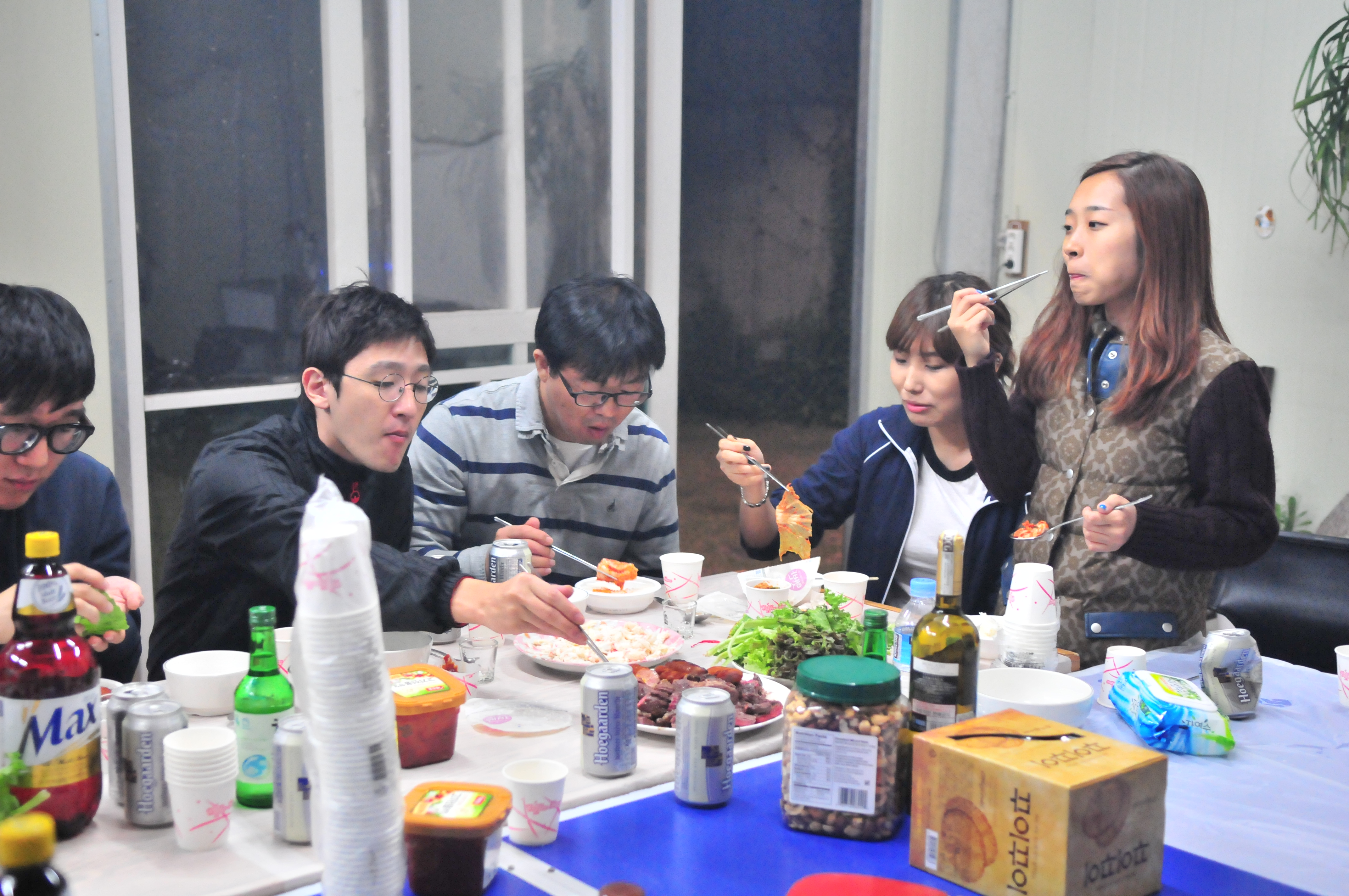
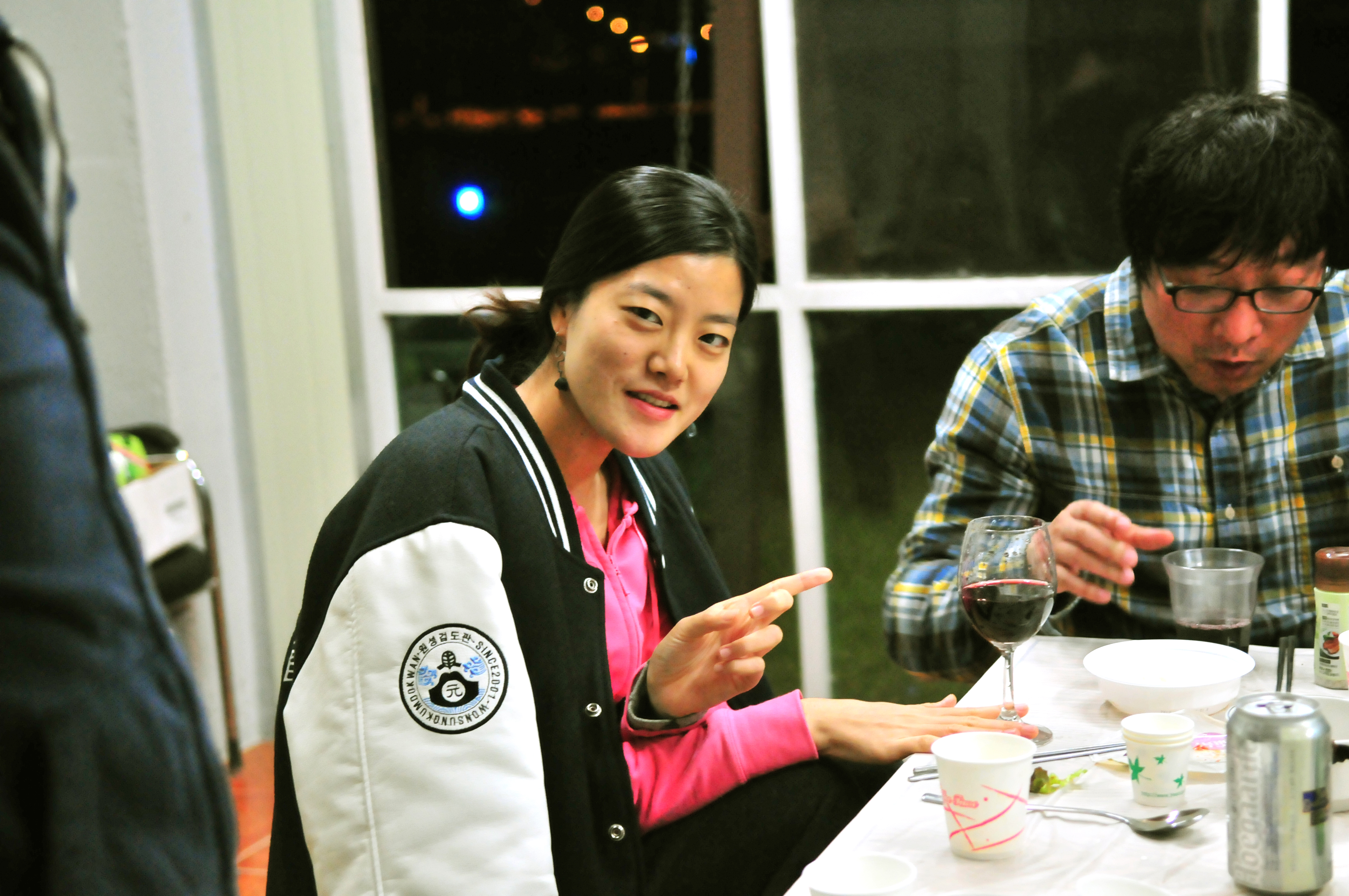
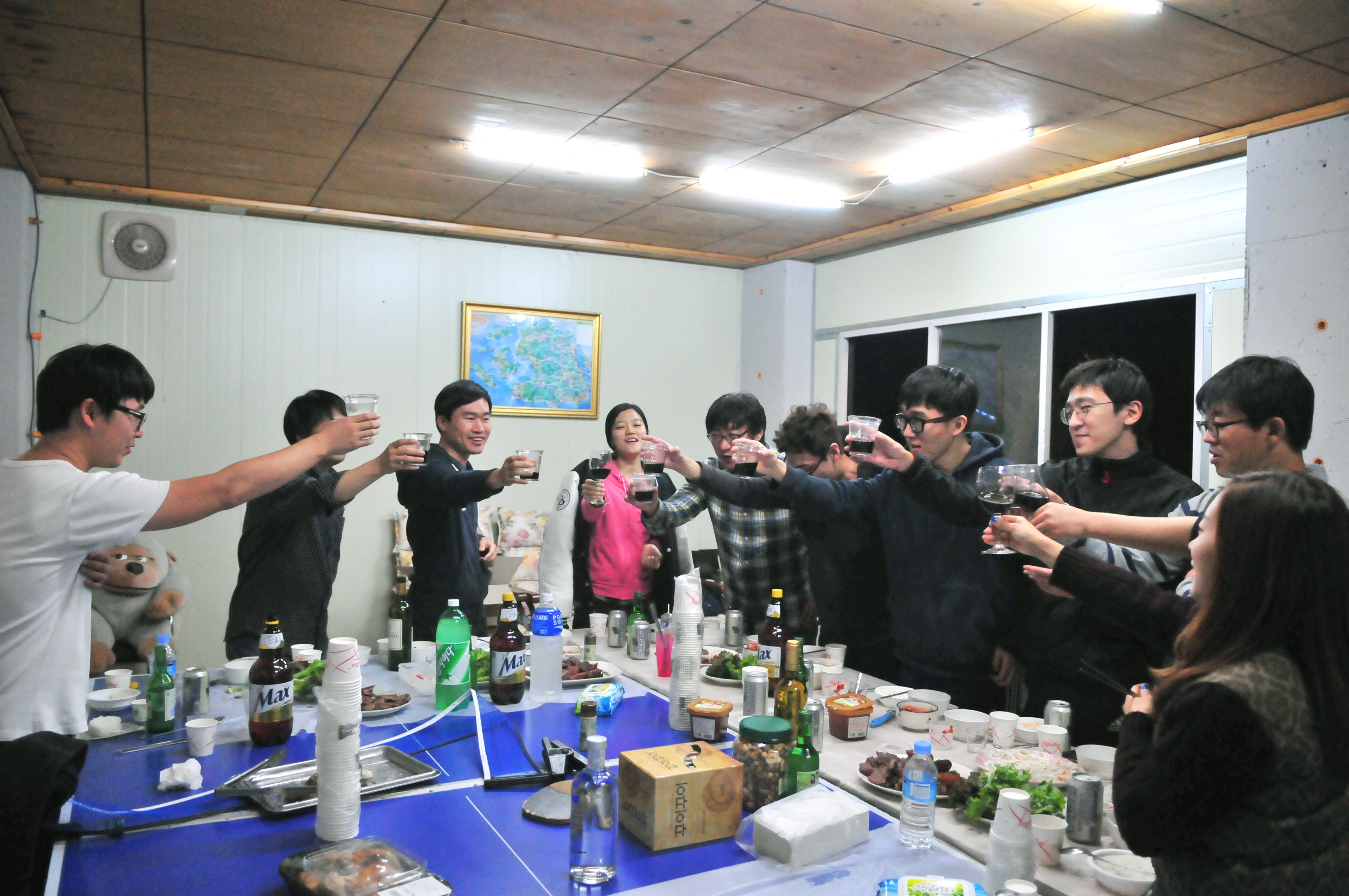
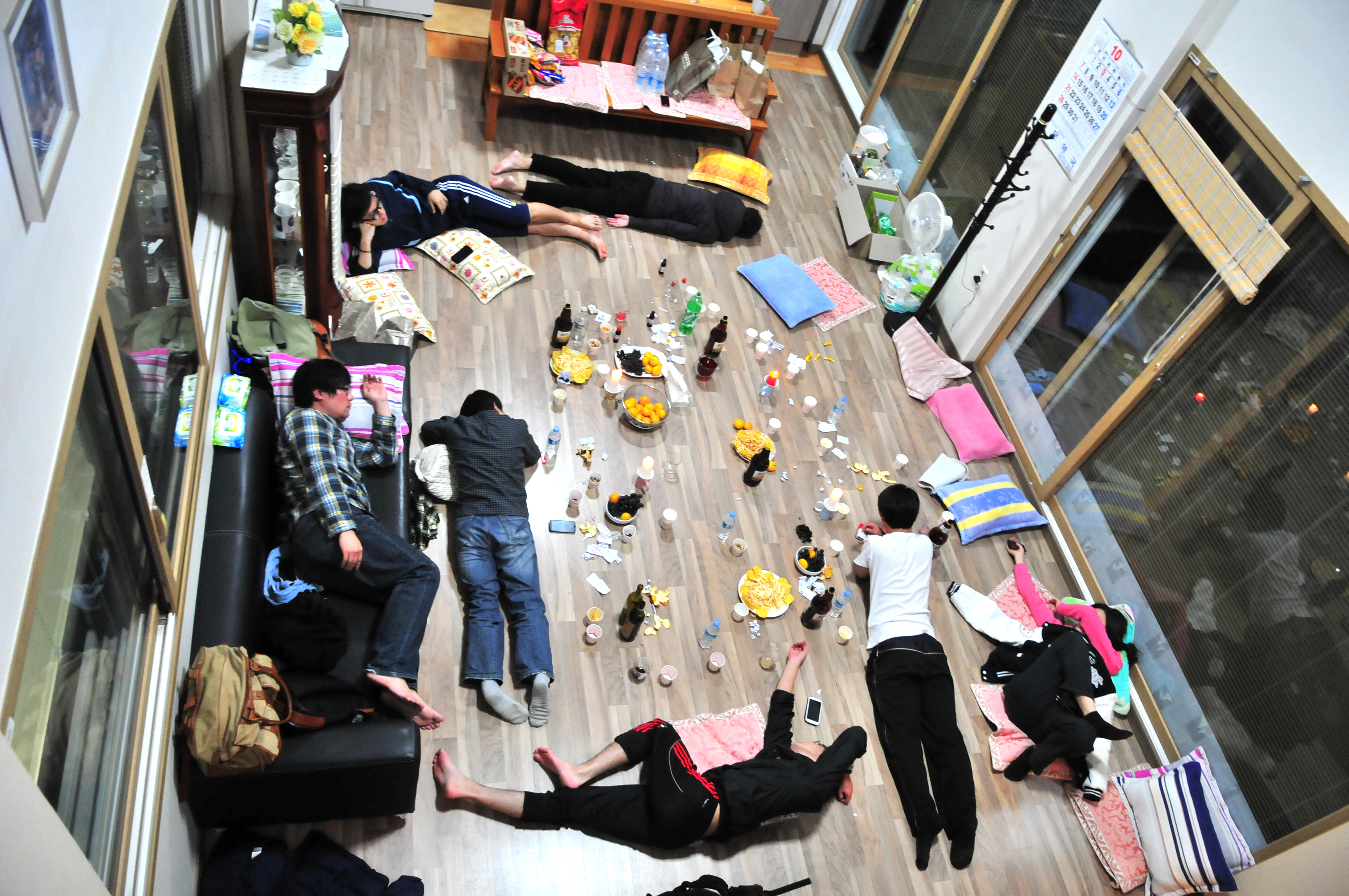
숙소에 도착해서 신나는 토킹 타임>_< 멋진 세팅을 해주신 파티플래너 보라과장님!!!
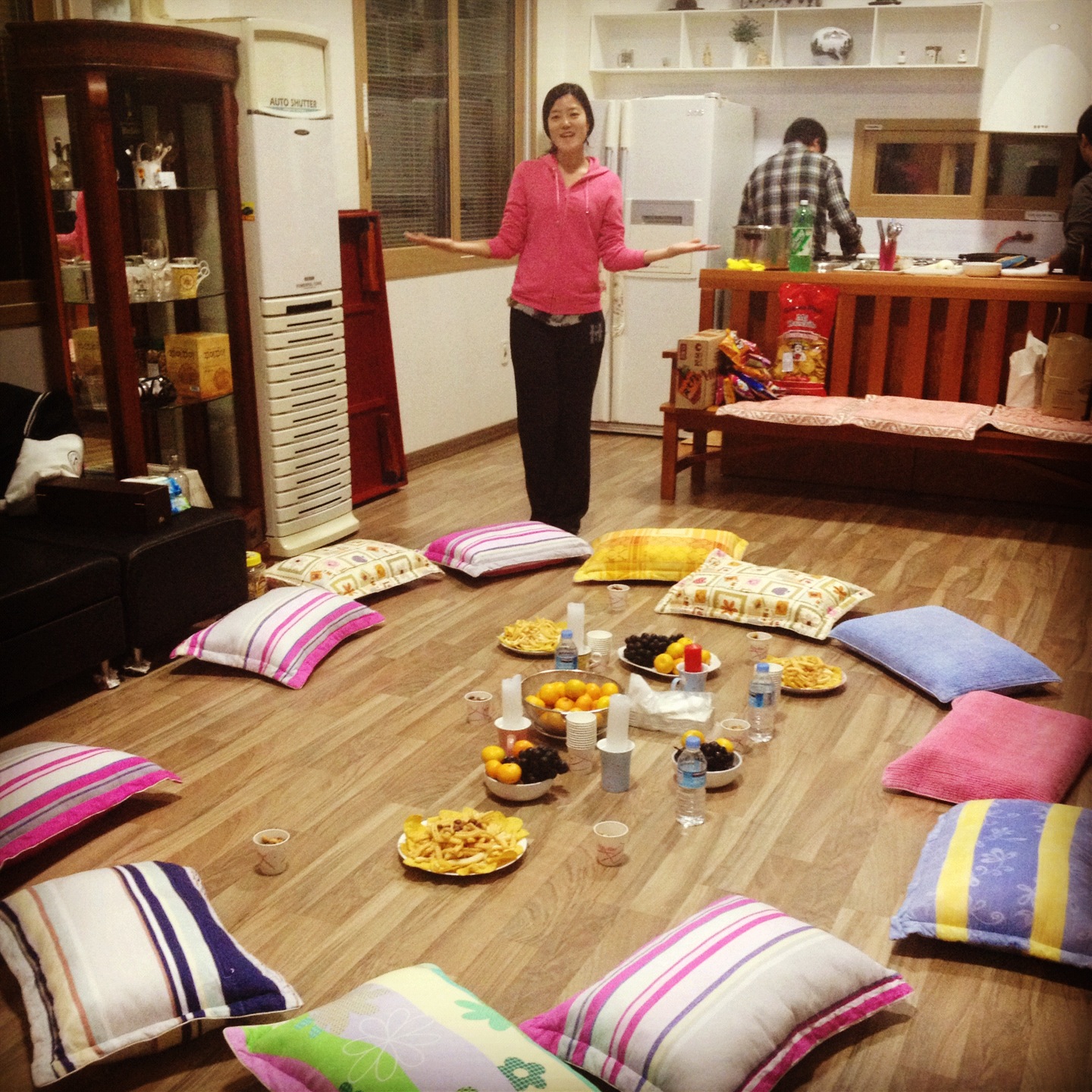
플래시 터뜨린 사진……미안해요 여러분…저는 그냥 올릴 뿐이에요…
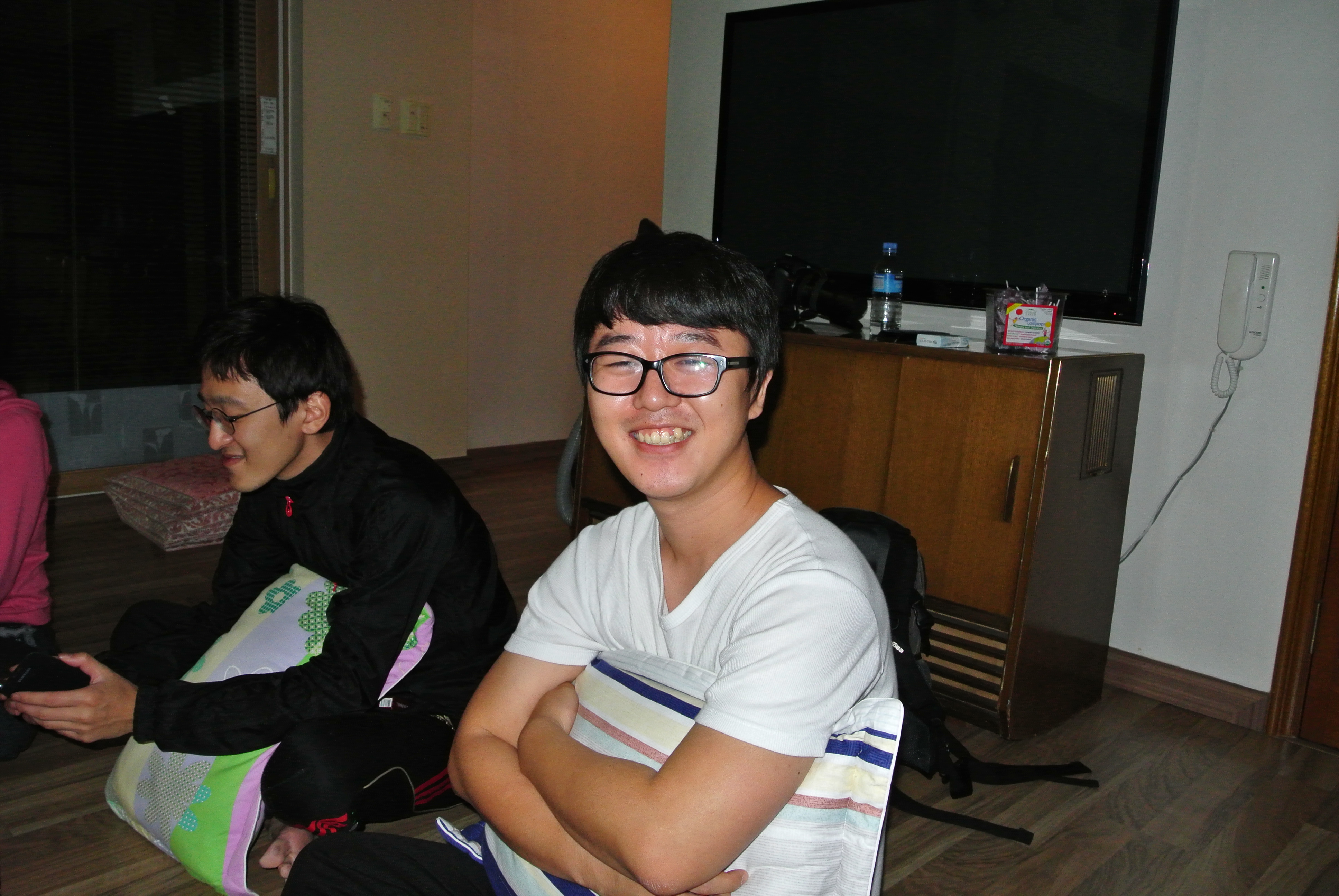
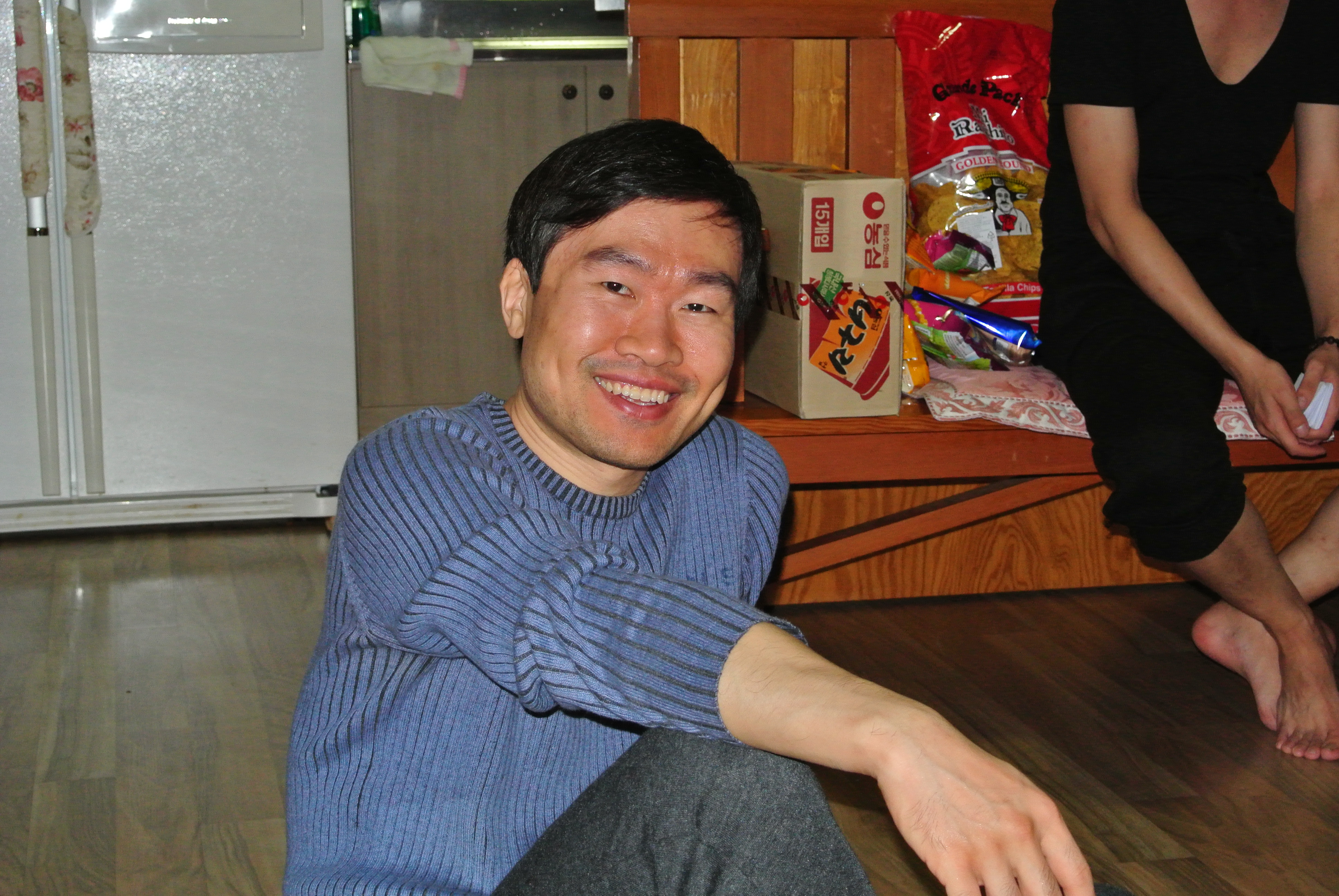
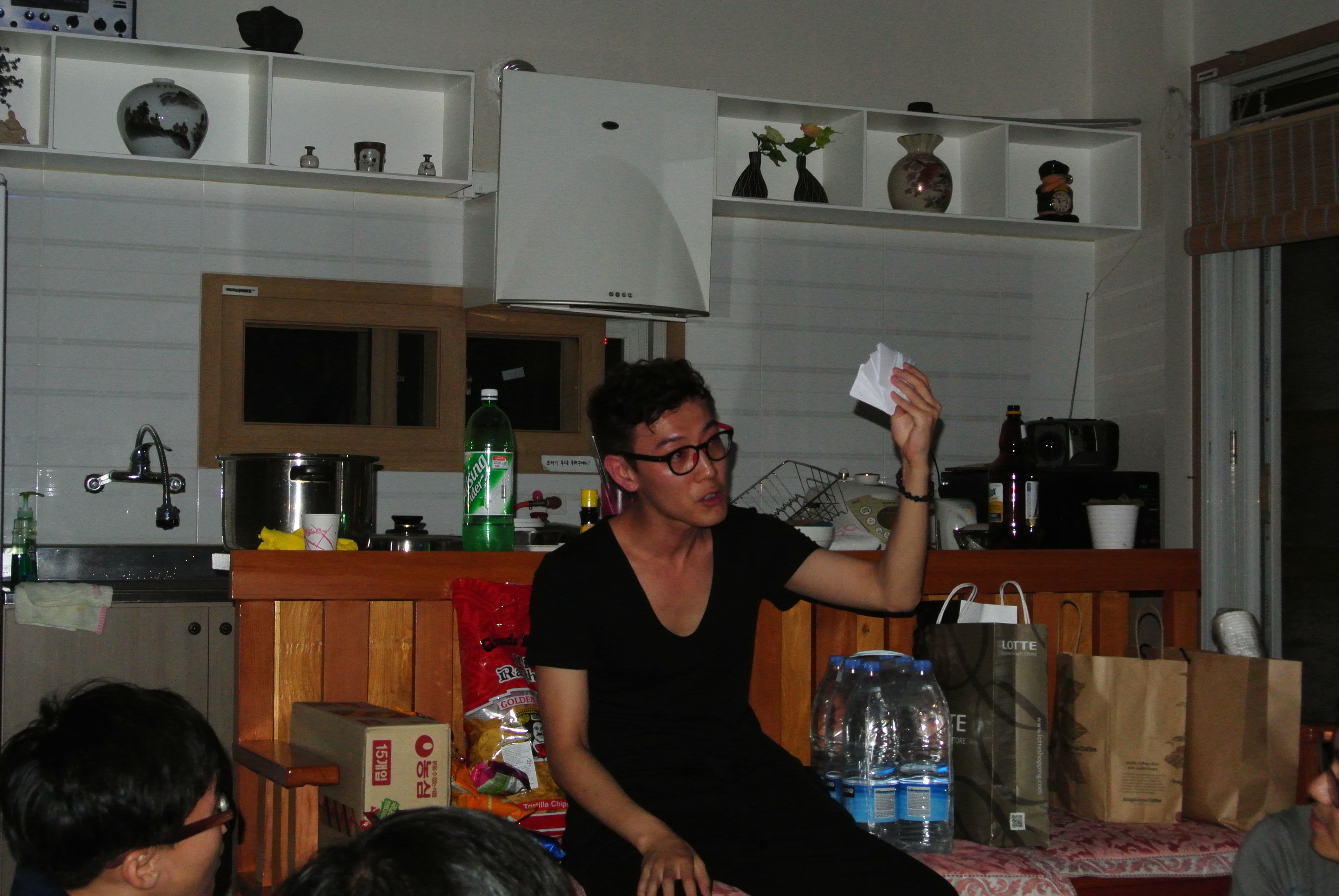
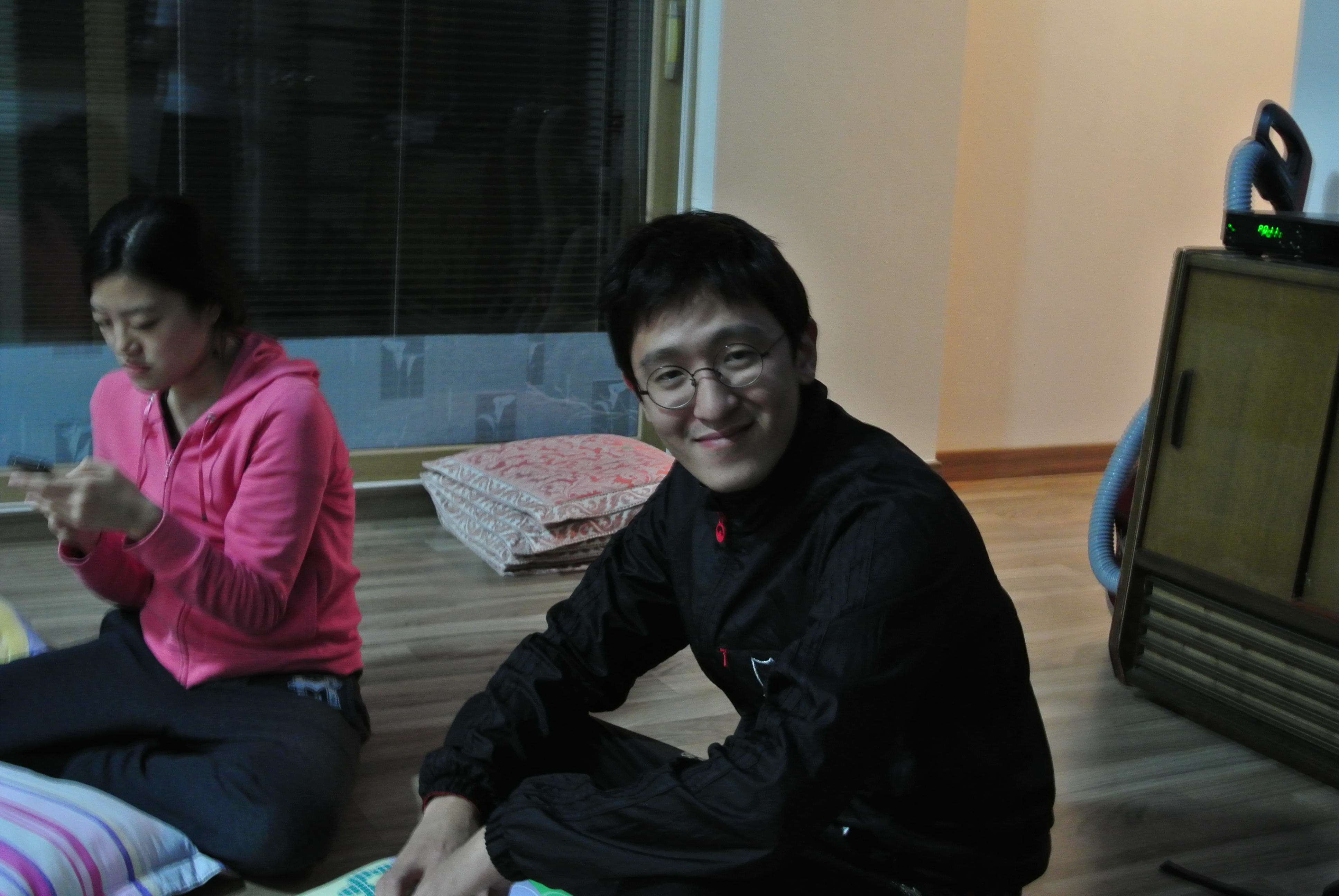
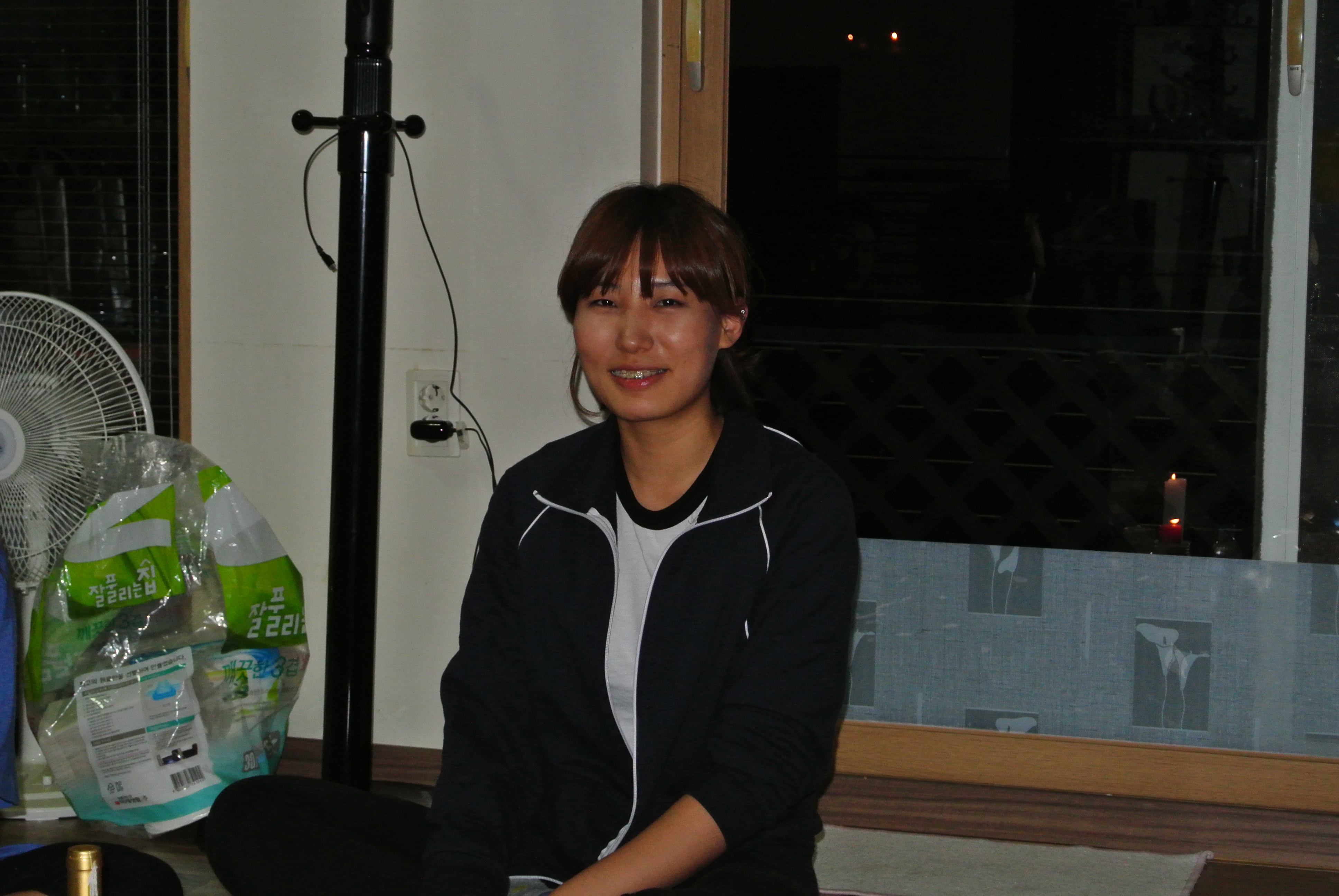
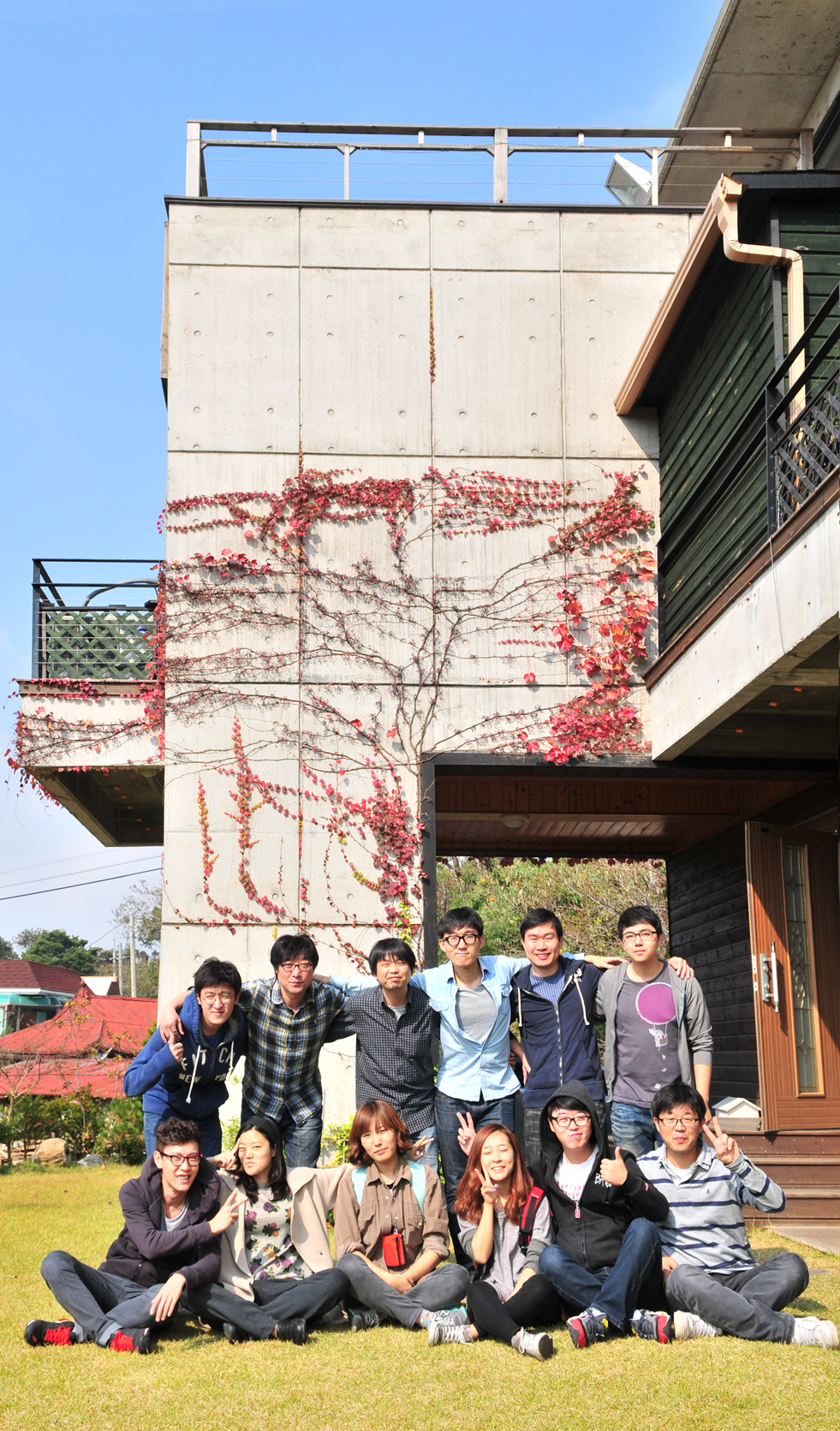
다음날 모두모두 한결 가까워졌어요ㅋㅋ
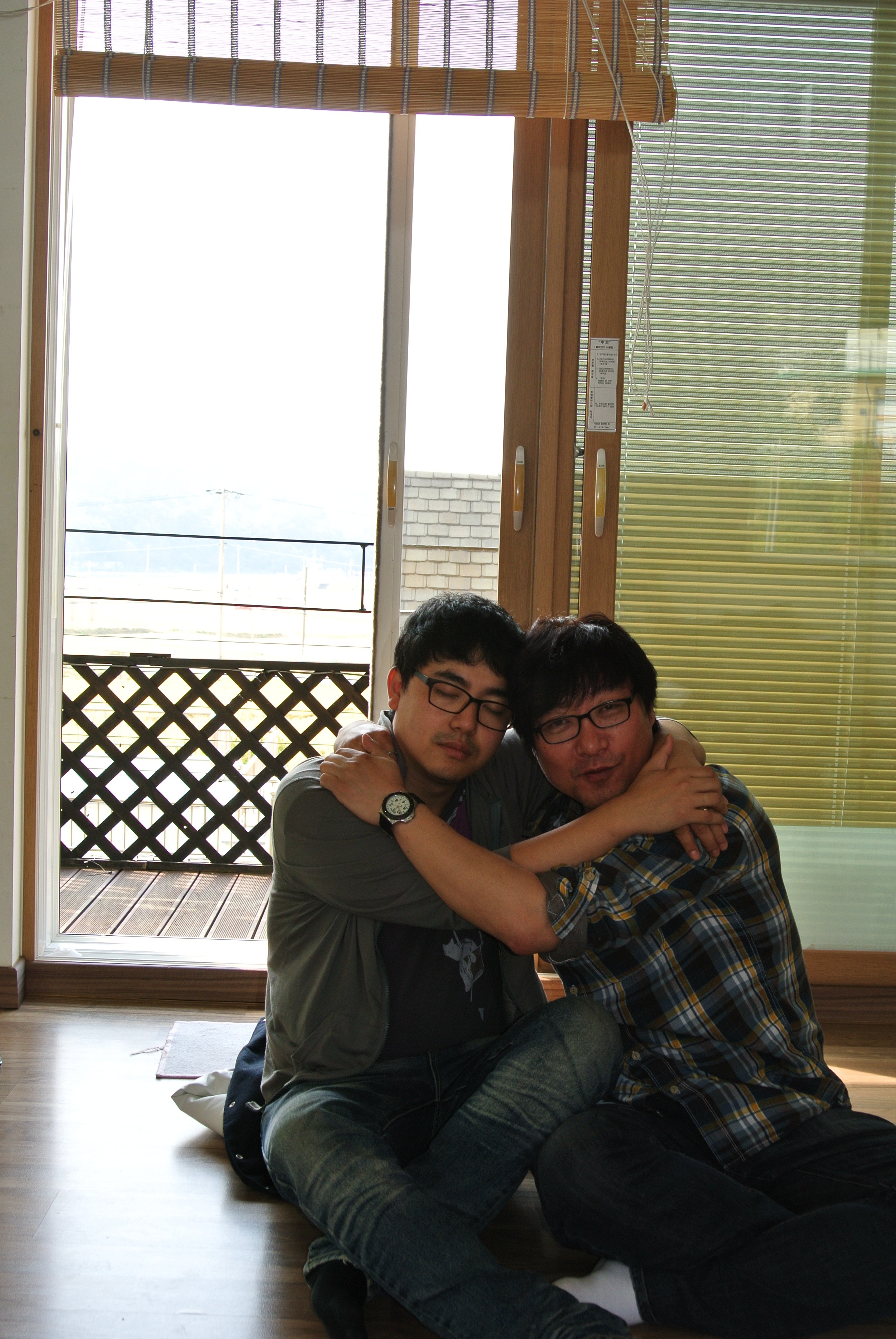
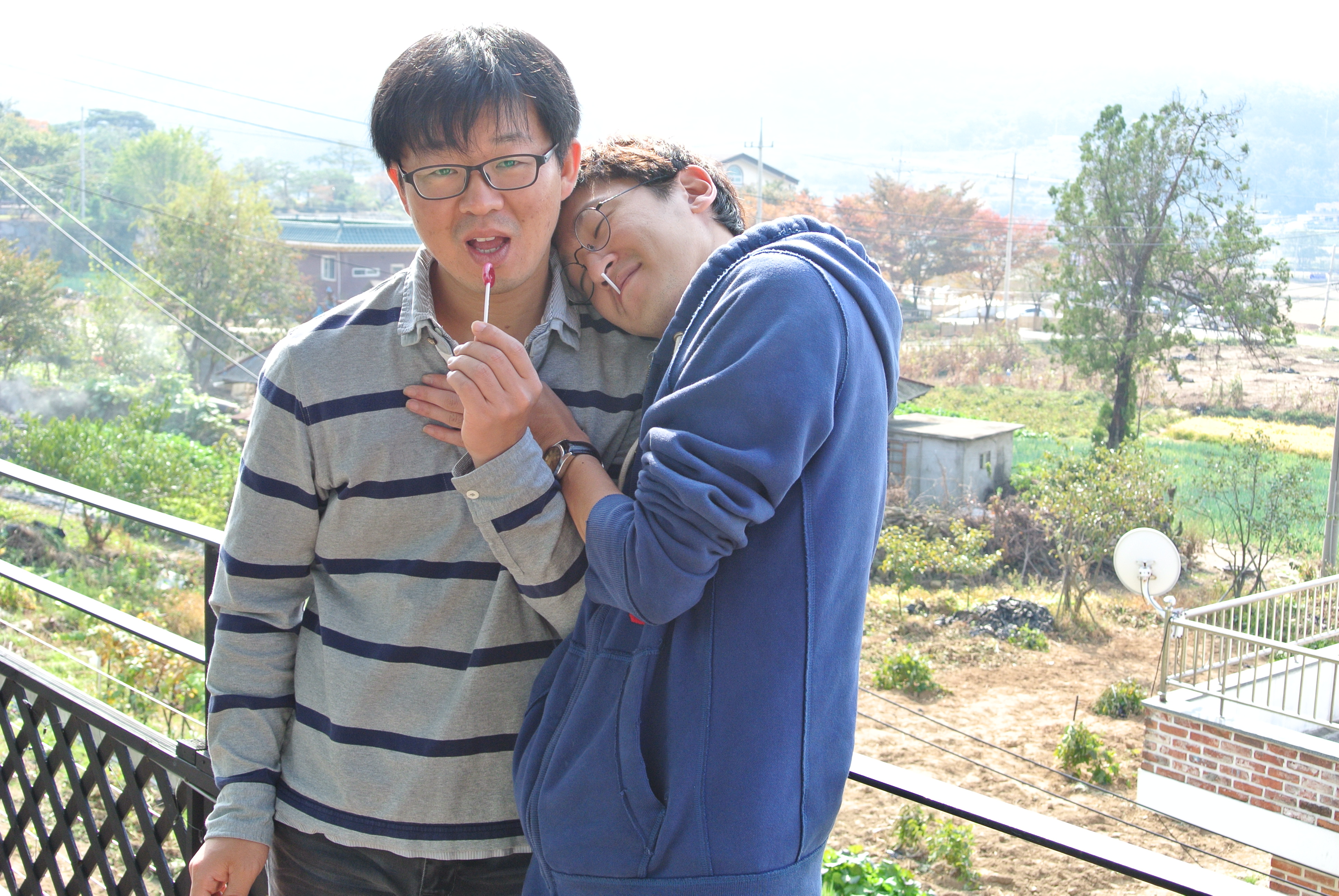
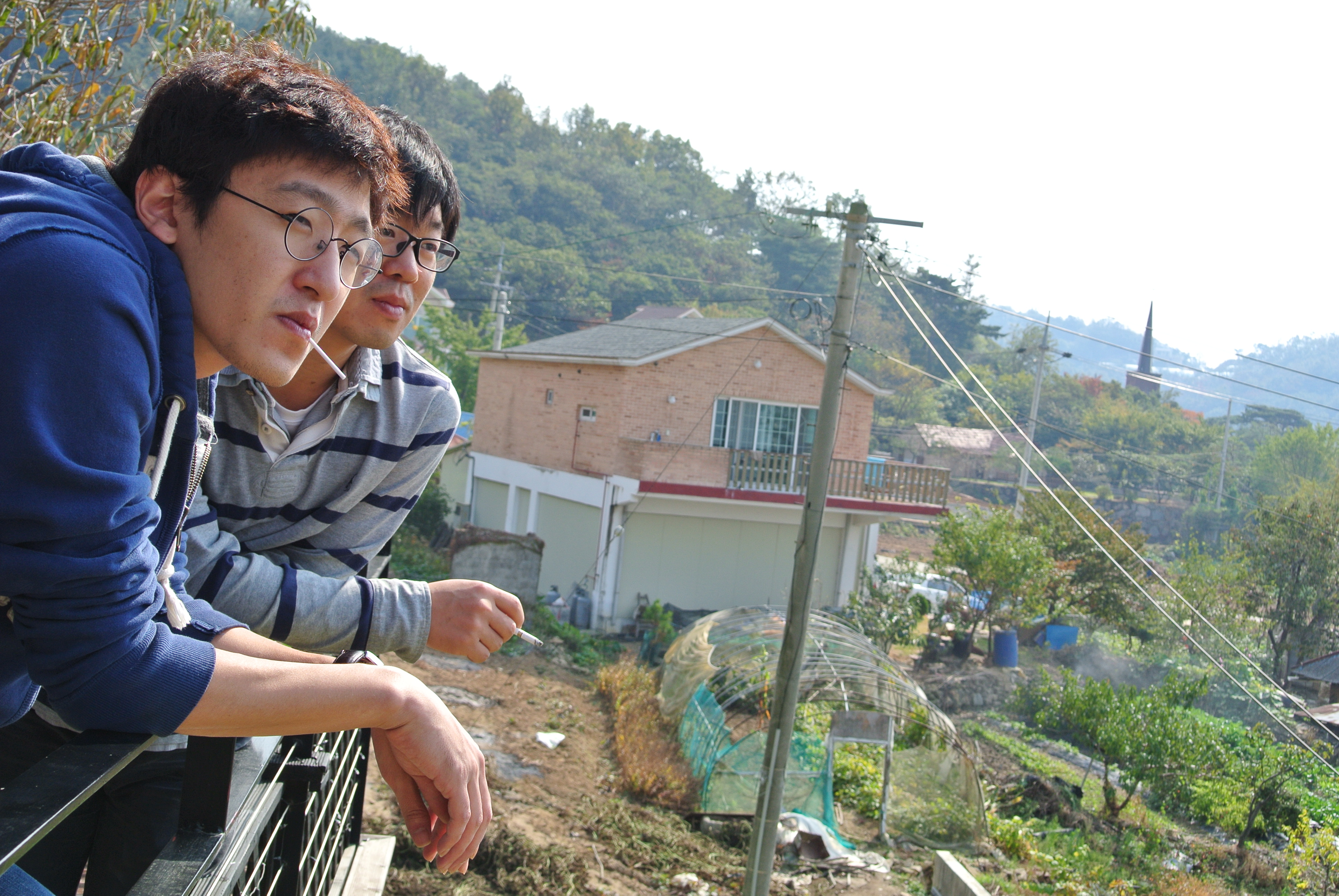
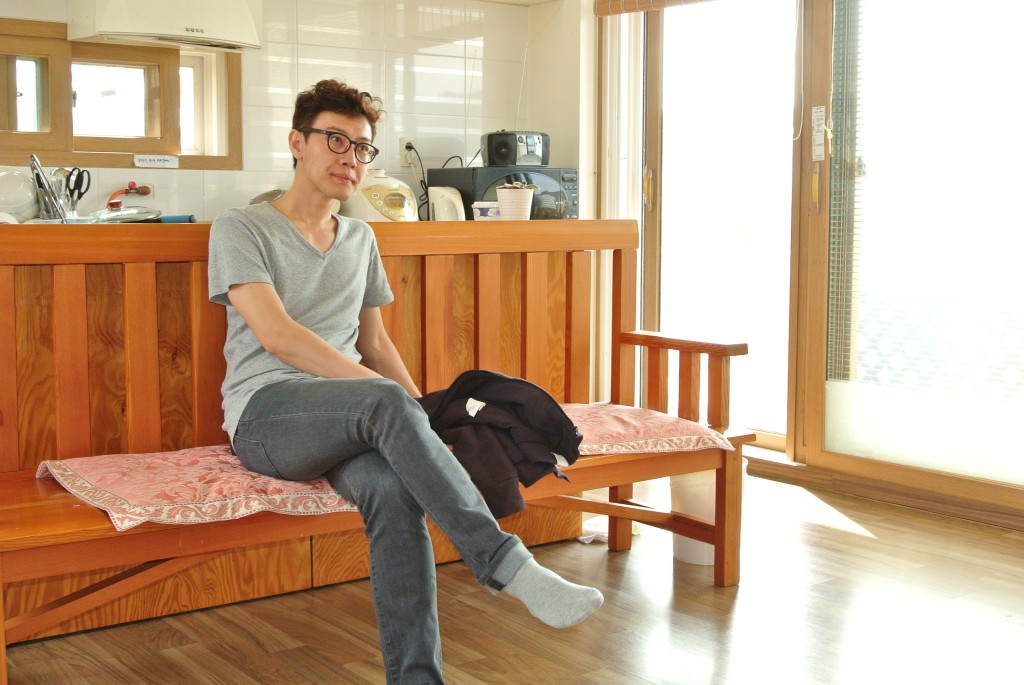 성용대리님은 아닌가봐요…..아무도 없어요…
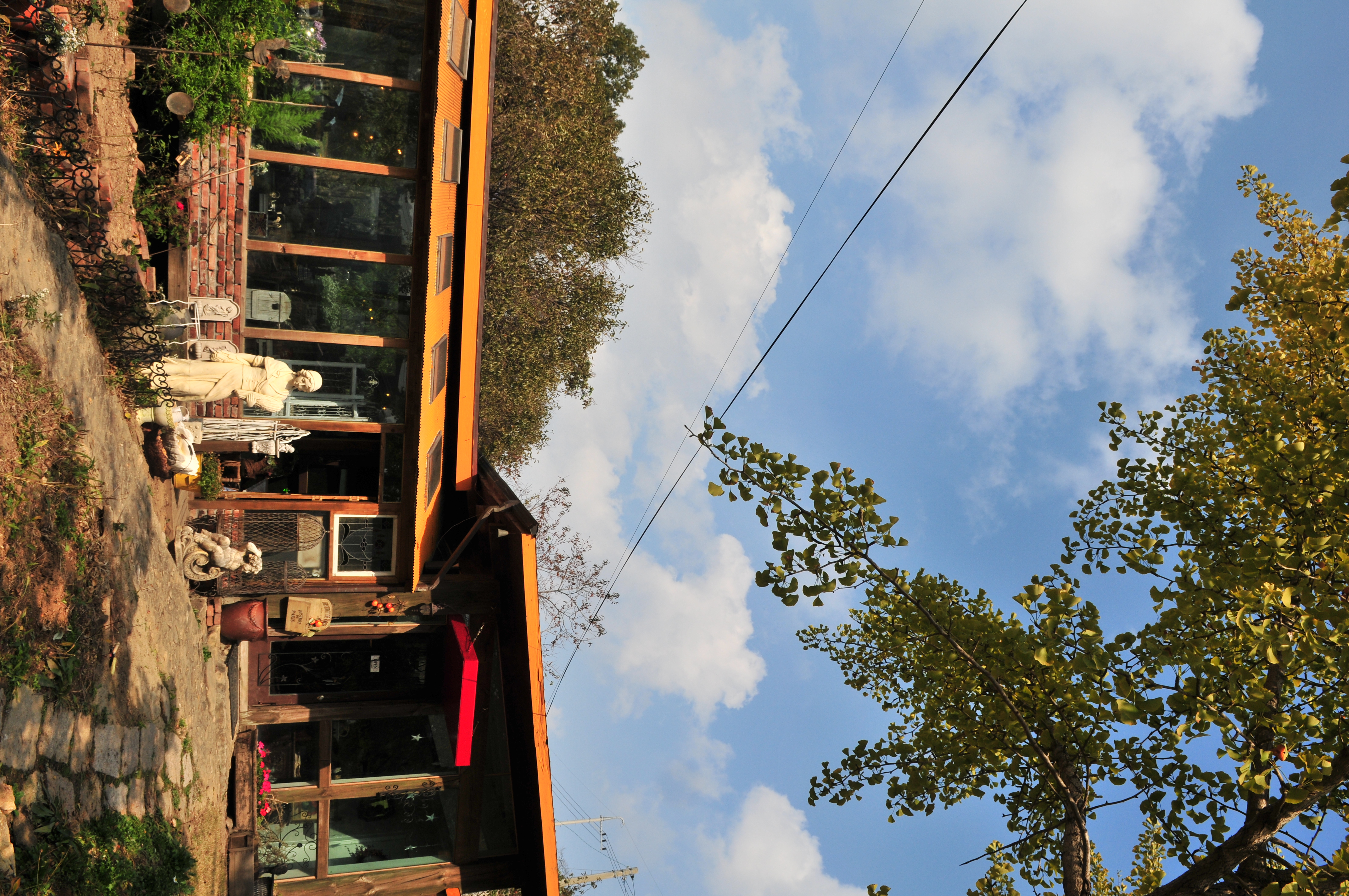
근처 커피집 NAMU에서 커피 마시고 서울로 출~발! 즐거운 시간이었어요^^

2012년 10월 21일
by shpark
0 comments
올해 5월 한국종합예술학교 민현식교수의 은퇴식 기념공연에 파주 “북소리합창단”의 단원수가 적어 합창단 “음악이있는마을” 10여명과
객원으로 같이 공연한 적이 있다. 아마추어 음악가로 종종 이런공연은 삶의 기쁨을 주곤하는데, 더욱이 나의 삶에 많은 도전은 던지시는
영원한 청춘 이강숙선생님,언제나 큰감성과 냉철한 정신으로 현재를 보게 훈련시키시는 이건용선생님 나의 영원한 대부님 홍준철선생님
음악적 스승들과 같이 할 수 있어 너무 좋은날이었다.
은퇴식이 끝나갈 즈음에 어떤분이 반갑게 선생님들과 인사를 나누시더니 한쪽눈을 가려달라면서 사진을 찍은시는것 뒤에서 보았다.

안상수교수님이 찍어주신 합창단 “음악이 있는 마을”
이름도 잘 모르고 항상 사진을 이렇게 찍으시는 분이라는
이야기들었다. 그냥 정치인 누구와 이름이 같다는 정도만
기억나는것 같다.
묘한 매력이 있다며 단원이 보낸준 이 사진에 빠졌버렸다.
왜 이렇게 사진을 찍을까 약간 자료를 찾아 본것 같다.
나름 박상현식 생각을 더해서… 안상수교수의 One Eye
프로젝트를 해석해 보았다.
“하나의 시각, 개개인이 가지고 있는 하나의 생각을
존중하고 인정한다”
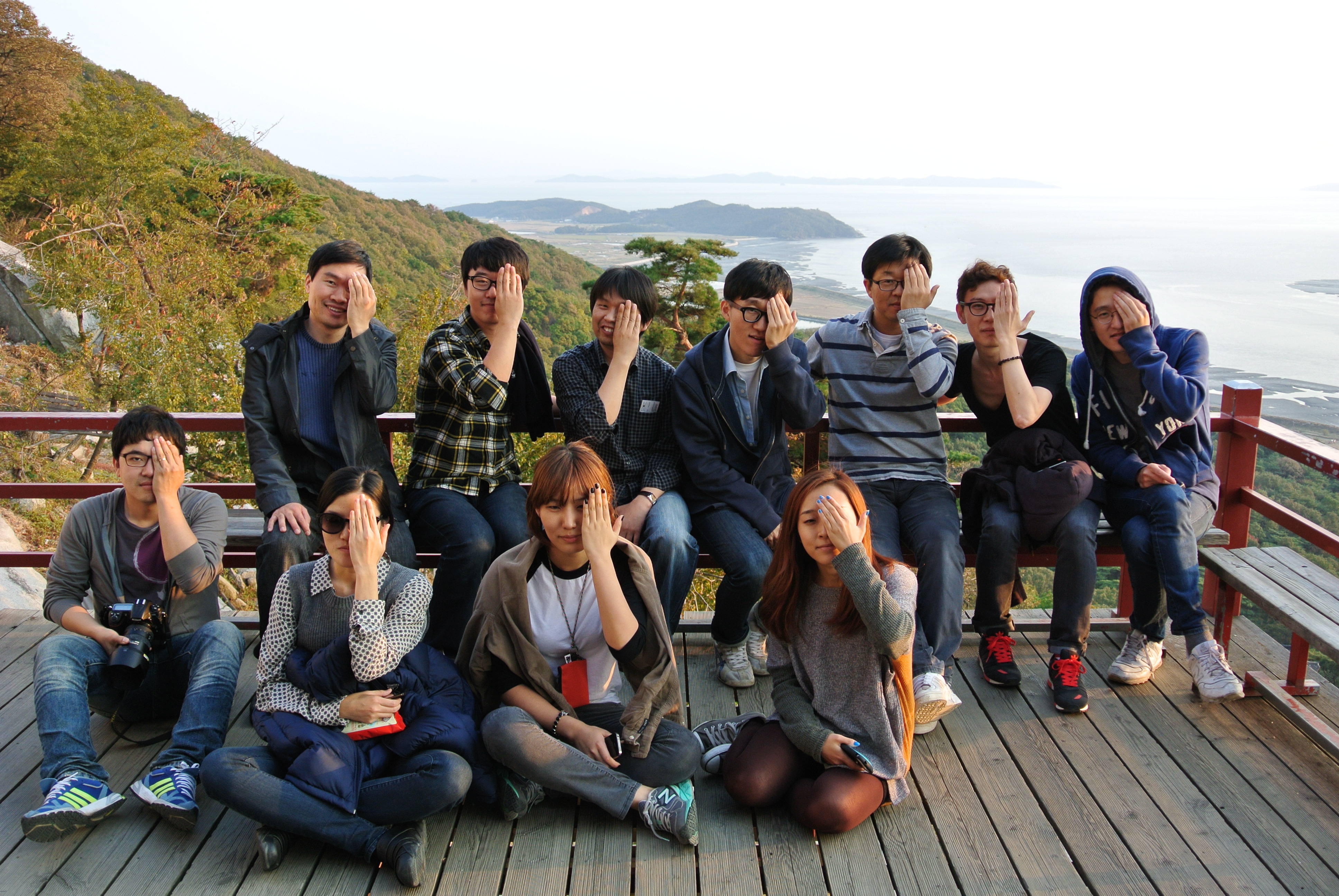
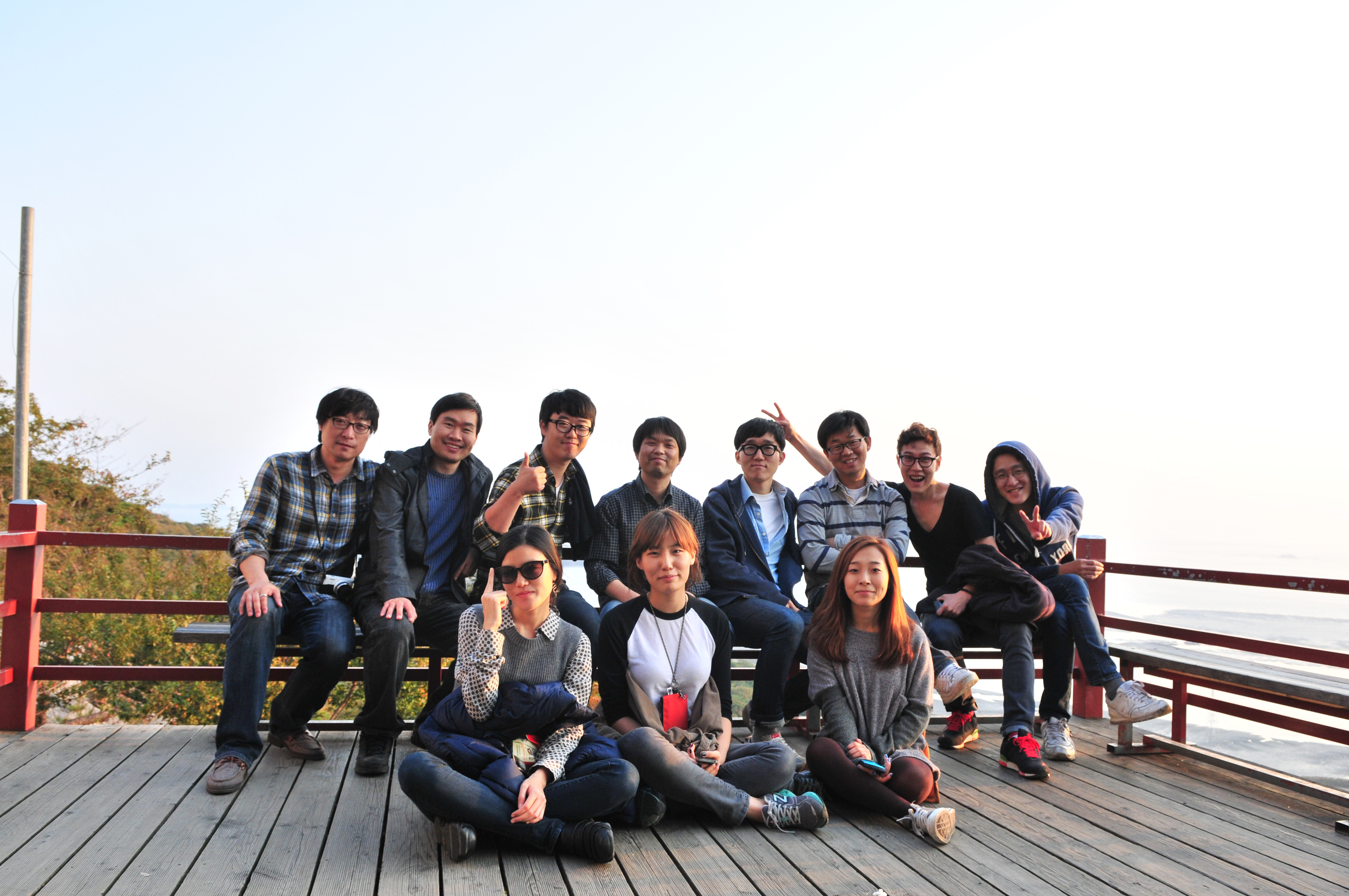
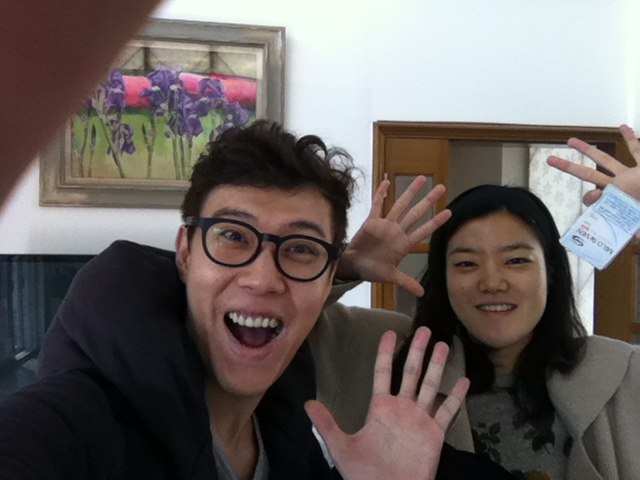
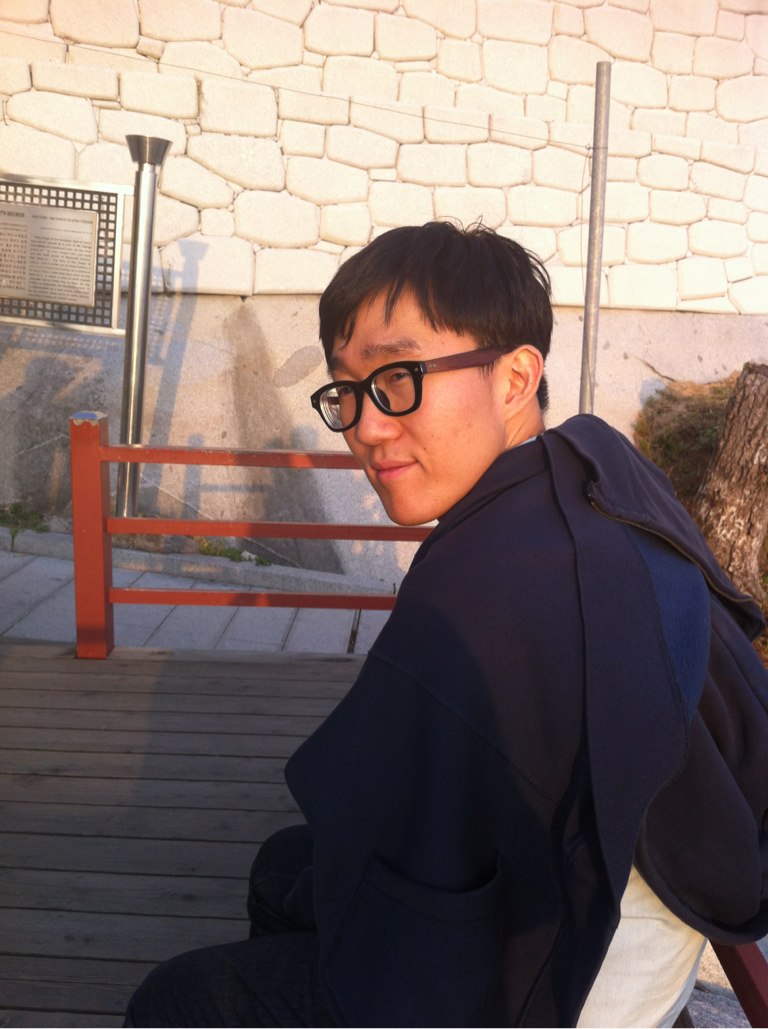
강화도 석모도 보문사에서 크로스미디어 본부도
이렇게 한번 찍어보았다.
하나의 시각으로 서로의 생각을 존중하면서 좋은 팀으로
성장해 나갔으면 하는 마음을 담아서…
안상수교수 OneEye Project : http://ssahn.com/
Proudly powered by WordPress | Theme: Yoko by Elmastudio
Top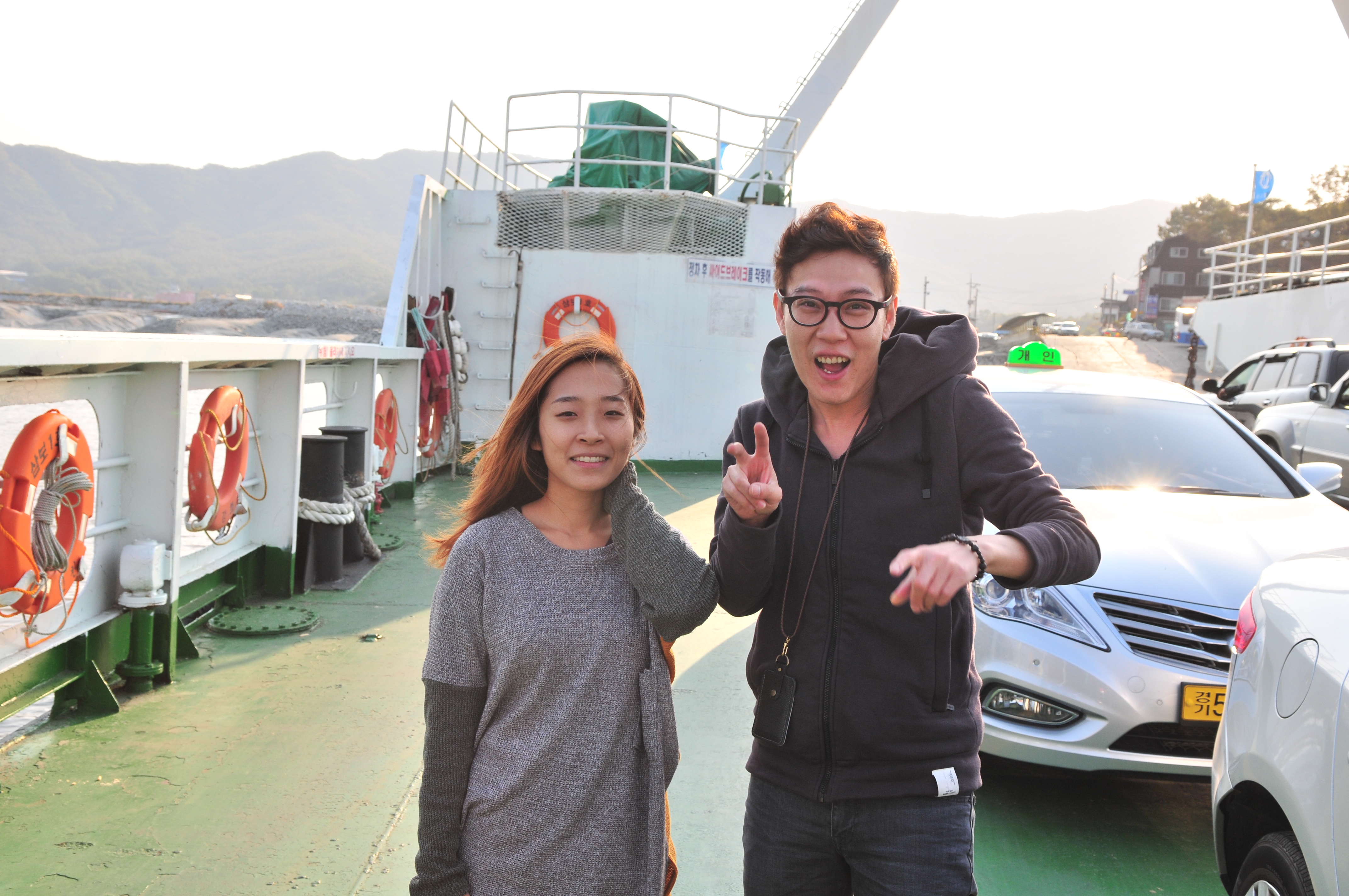




최근 답글